¶ Tools and Materials
-
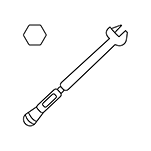
A 10 mm spanner
-
A 2.5 mm Allen key
-
A flathead screwdriver
-
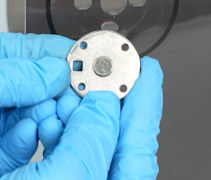
A new rotation shaft of the flip cover

¶ Instruction
¶ Remove the right-side nut and the four spacers
-
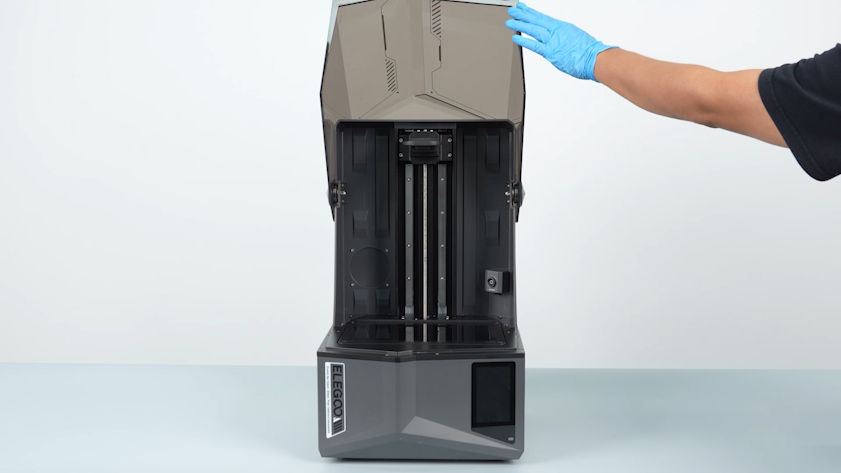
Open the flip cover.
-
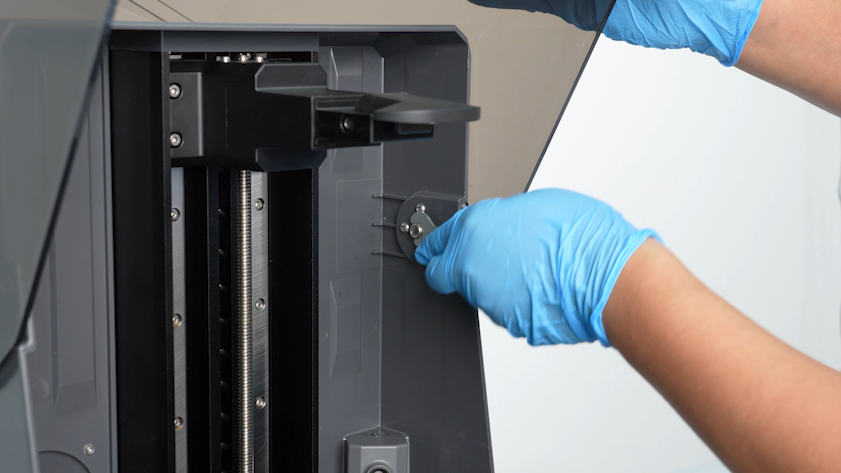
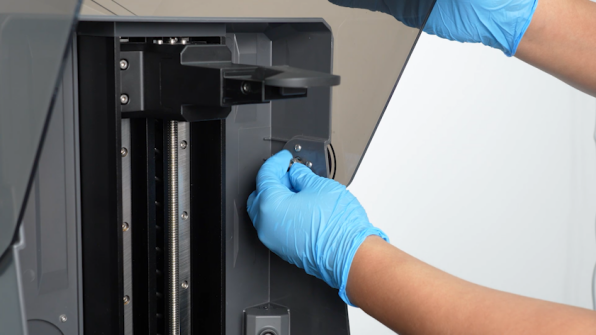
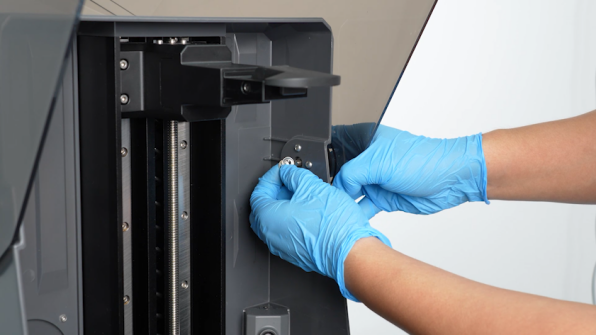
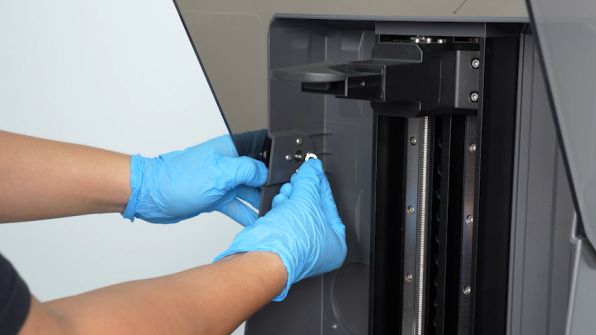
Loosen the nut securing the rotation shaft with a 10 mm spanner.
-
Remove the nut and four spacers.
¶ Remove the left-side nut and the four spacers
-
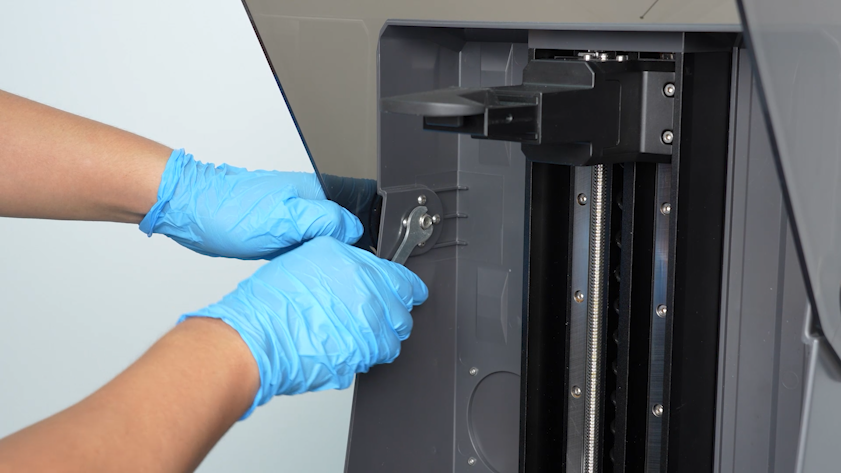
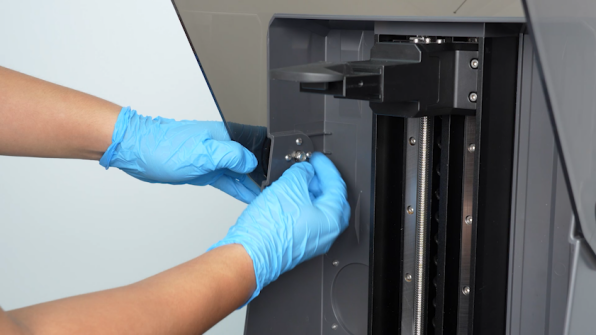
Loosen the nut securing the rotation shaft with a 10 mm spanner.
-
Remove the nut and four spacers.
¶ Remove the flip cover
-
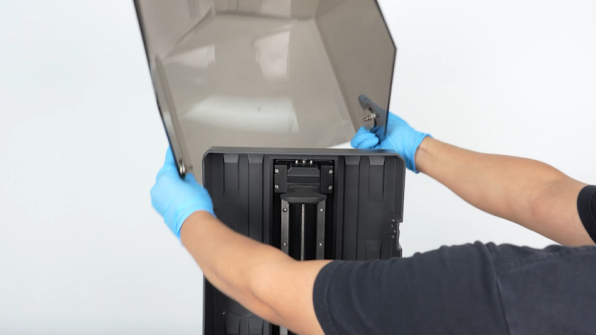
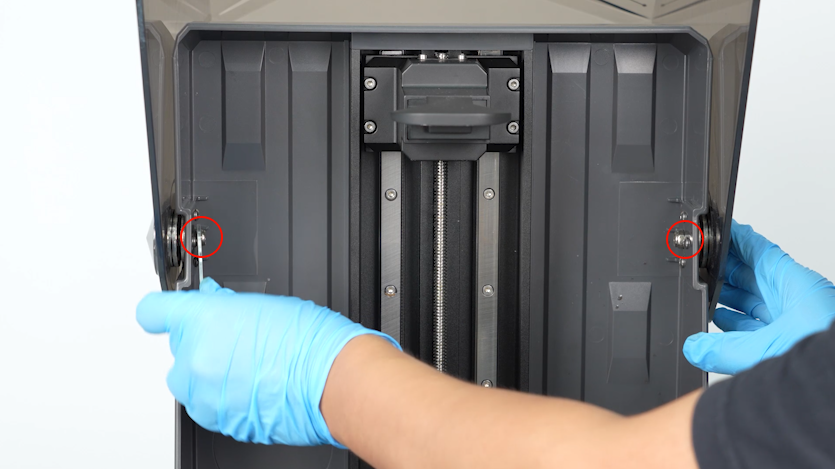
Remove the screws on both sides of the flip cover. Remove the flip cover.
-
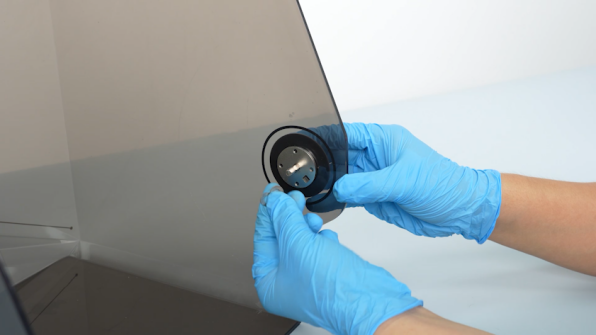
Remove the two spacers on both sides of the flip cover.
¶ Remove the old right-side rotation shaft
-
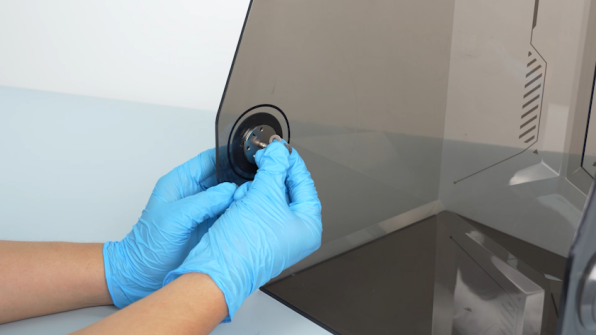
Pry up the outer cap with a flathead screwdriver and remove the outer cap.
Note: The outer cap is snap-fastened. When lifting, apply even force from all sides to avoid damage.

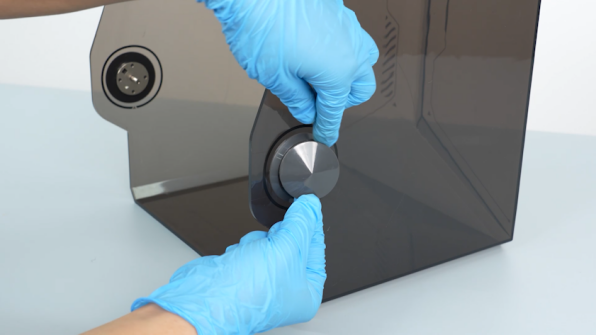
-
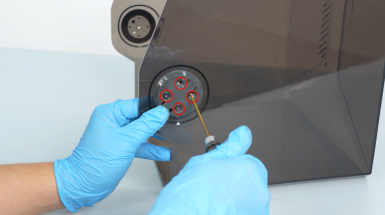
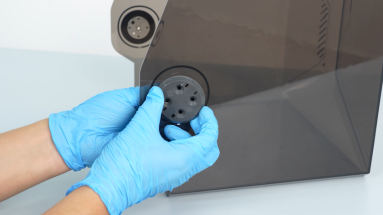
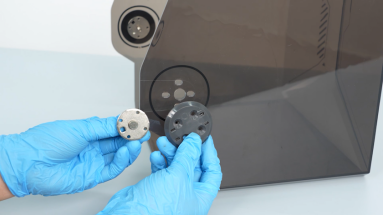
Loosen the four screws securing the rotation shaft with a 2.5mm Allen key. Remove the rotation shaft and the fixation cap.
¶ Install the new right-side rotation shaft
-
Prepare the new rotation shaft and put it in the installation position.
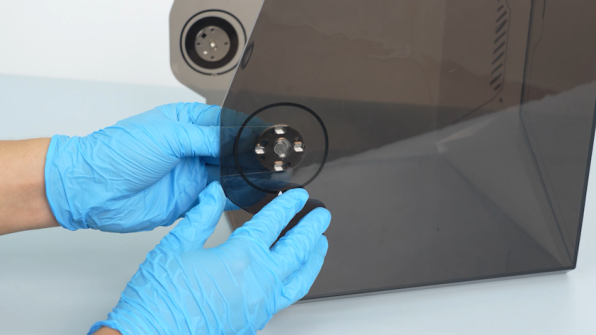
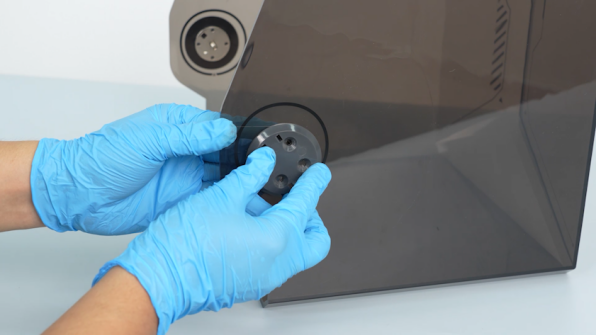
-
Prepare the fixation cap. Put it in the installation position and tighten the four screws.
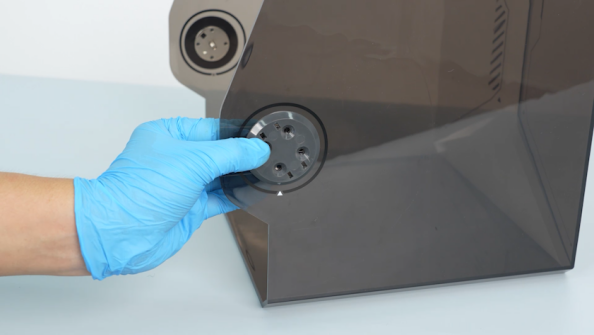
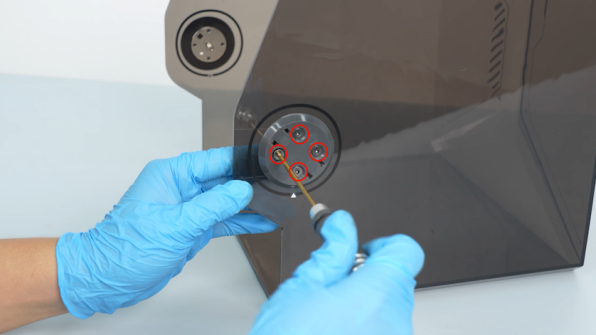
-
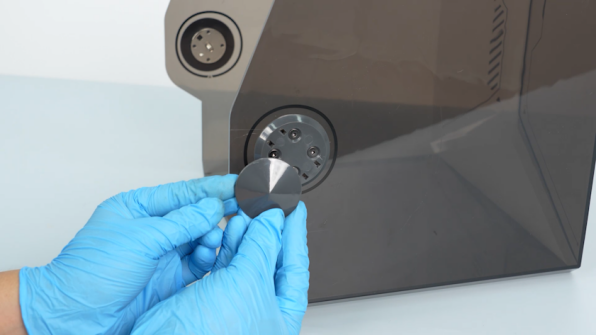
Prepare the outer cap and install it.

¶ Remove the old left-side rotation shaft
-
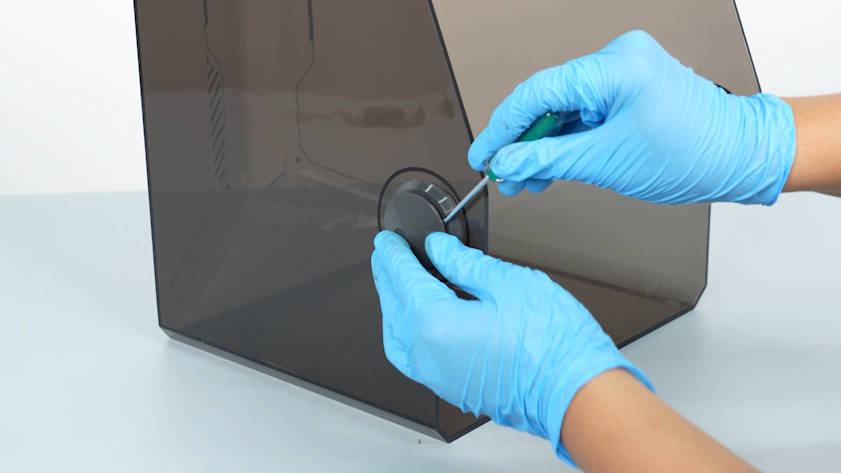
Pry up the outer cap with a flathead screwdriver.
Note: The outer cap is snap-fastened. When lifting, apply even force from all sides to avoid damage.
-
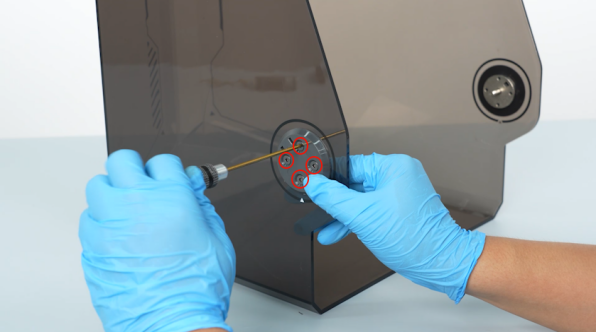
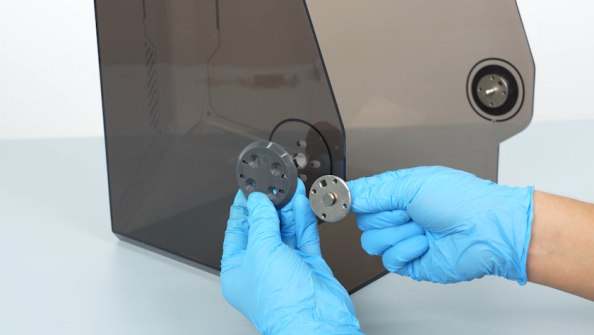
Loosen the four screws and remove the rotation shaft and the fixation cap.
¶ Install the new left-side rotation shaft
-
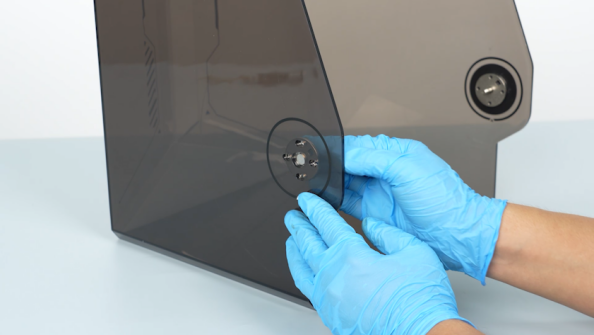
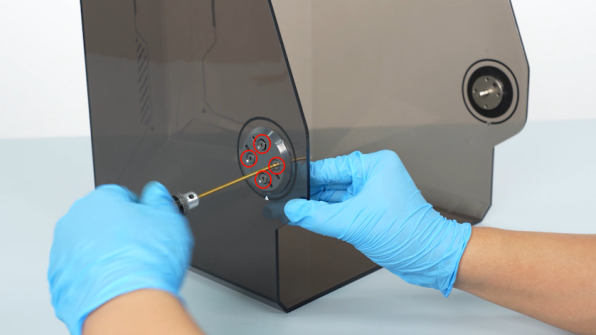
Prepare the new rotation shaft and put it in the installation position. Put the fixation cap in the installation and tighten the four screws.
-
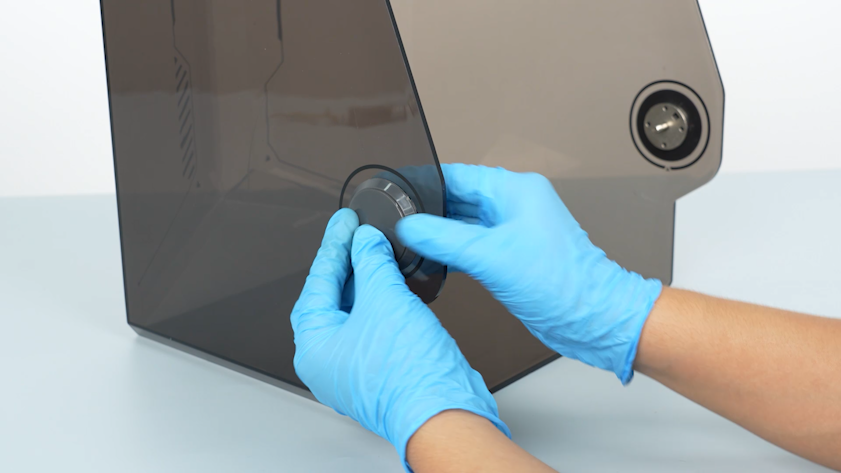
Install the outer cap in the installation position.
¶ Install the flip cover
-
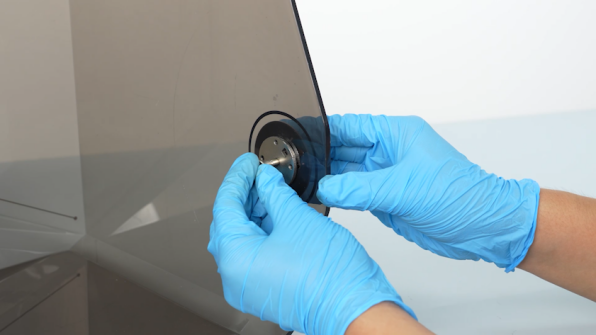
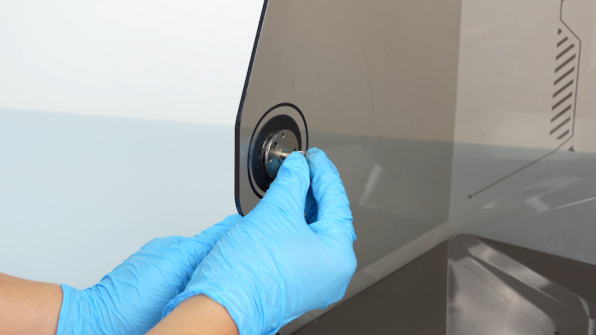
Install the two spacers on the left and right sides.
-
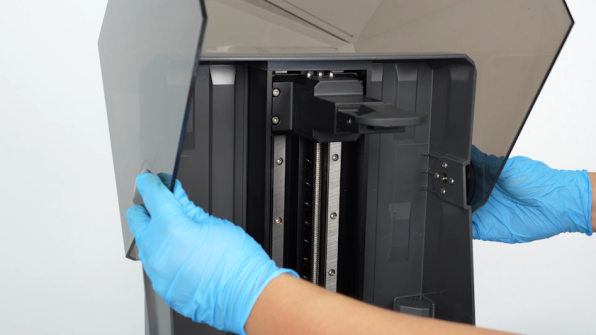
Slightly exert force outward to open the two sides of the flip cover. Install the flip cover.

¶ Install the right-side nut and the four spacers
-
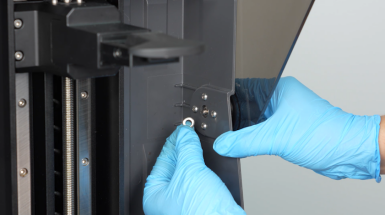
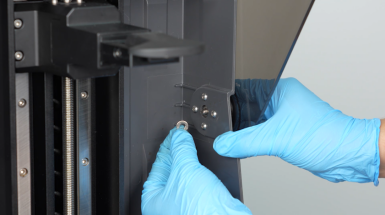
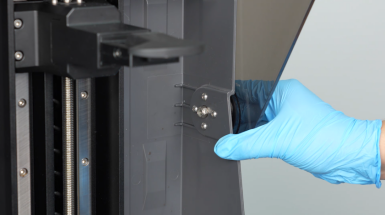
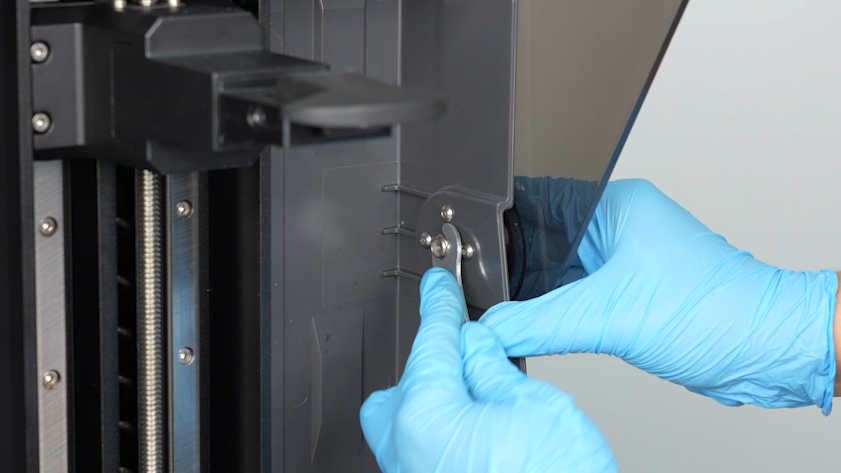
Install the four spacers and the right-side nut.
Note: The four spacers have different shapes, with two flat washers fitted on the sides and two convex washers in the center.
-
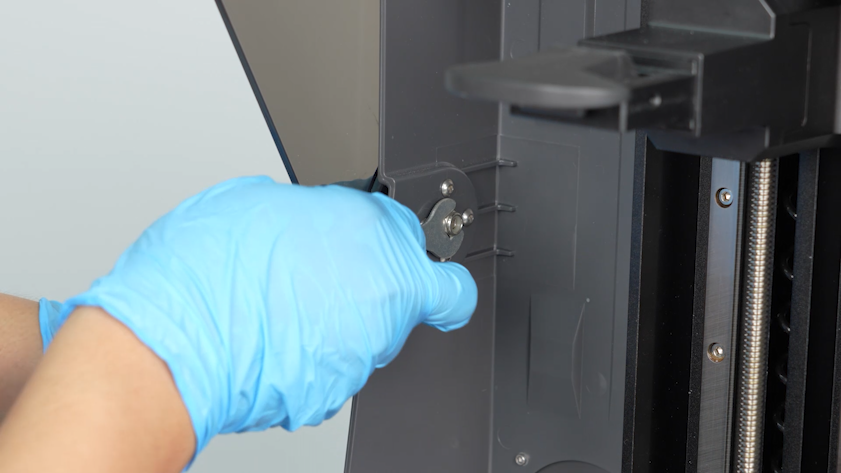
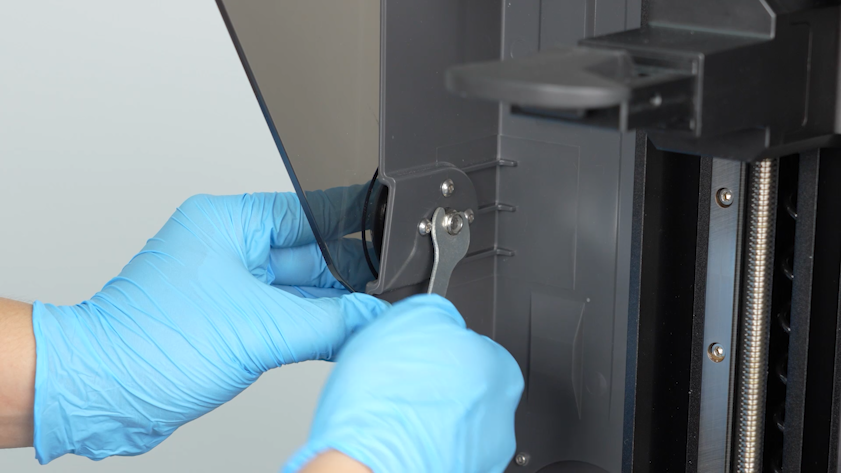
Tighten the nut securing the rotation shaft with a 10 mm spanner loosely.
¶ Install the left-side nut and the four spacers
-
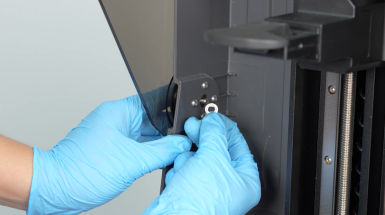
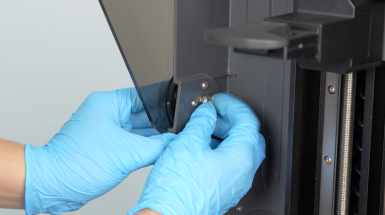
Install the four spacers and the left-side nut.
Note: The four spacers have different shapes, with two flat washers fitted on the sides and two convex washers in the center.
-
Tighten the nut securing the rotation shaft with a 10 mm spanner loosely.
¶ Verification
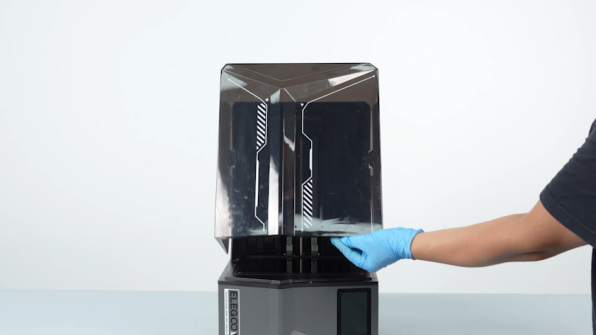
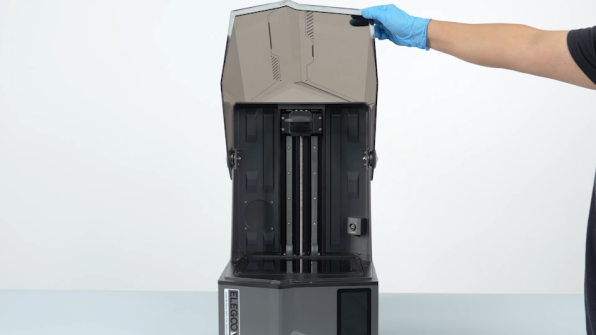
- Flip the cover.
-
If the cover is loose, it cannot hover. Loosen the rotation shaft nut with a 10 mm spanner slightly.
-
If the cover is secured too tightly, loosen the nuts securing the rotation shafts on both sides.
-
If the cover opens, closes and hovers normally, the printer is ready for use.