¶ Tools and Materials
-
A 2.0 mm Allen key
-
A 2.5 mm Allen key
-
A pair of pliers
-
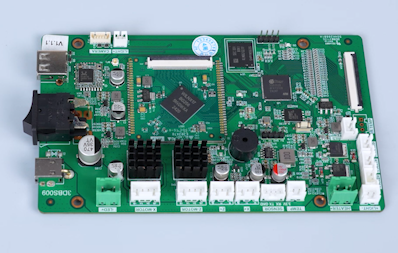
A new motherboard
¶ Instruction
¶ Preparation
Turn the power switch OFF (symbol ""〇"") . Unplug the power adapter cable.
¶ Remove the old motherboard
-
Lift the UV enclosure.
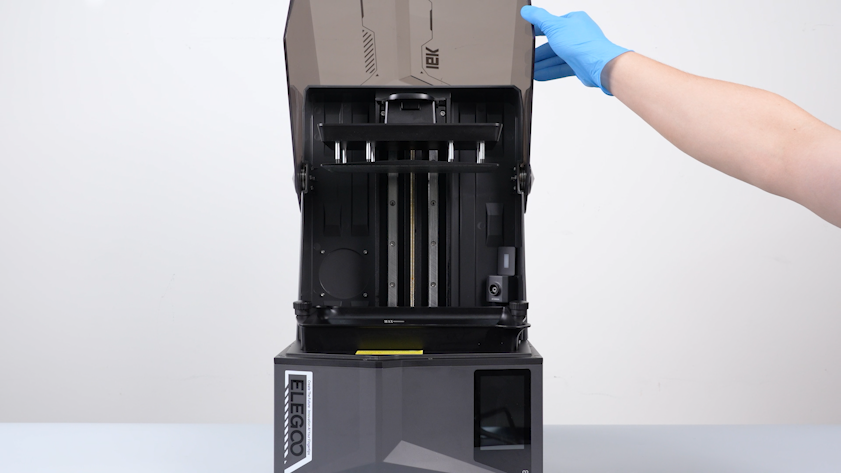
-
Remove the two knob screws and remove the resin tank.
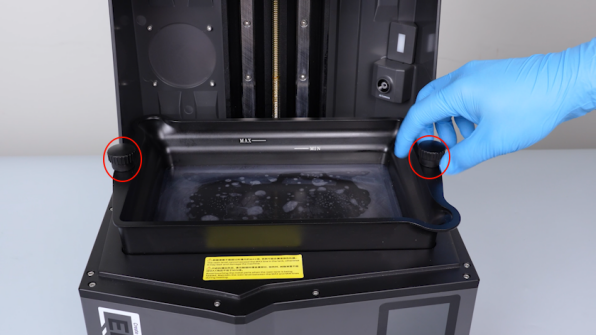
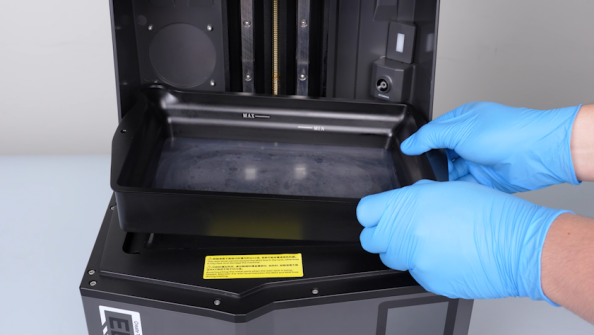
-
Close the UV enclosure.
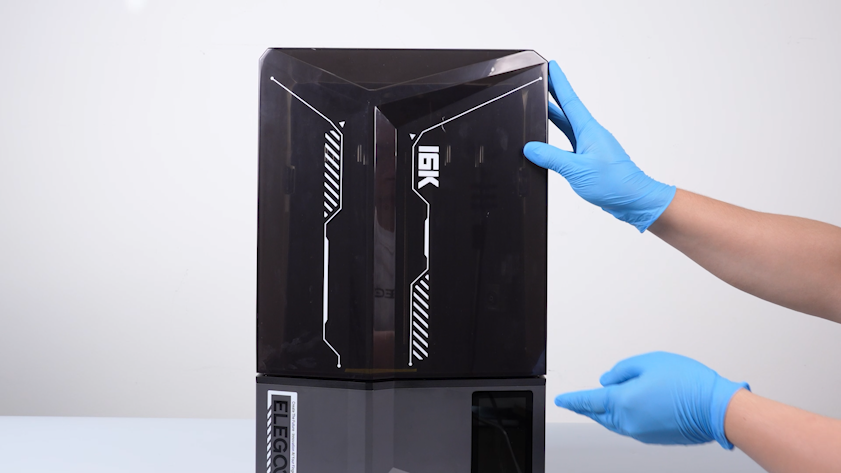
-
Release and remove the seven screws securing the back cover with a 2.0 mm Allen key. Remove the back cover.
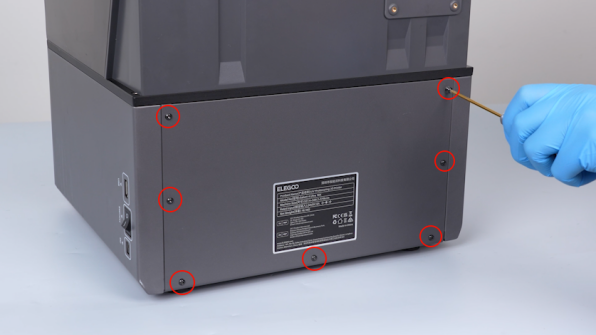
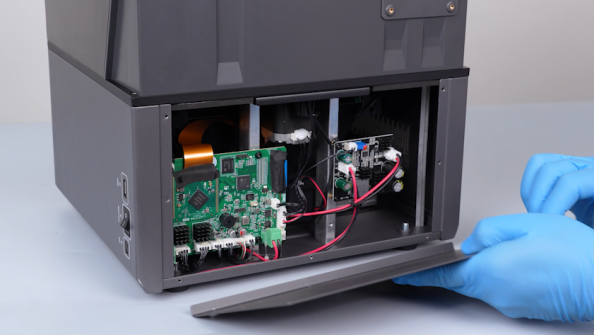
-
Remove the hot-melt adhesive securing the cables in the top-left corner of the motherboard with a pair of pliers.
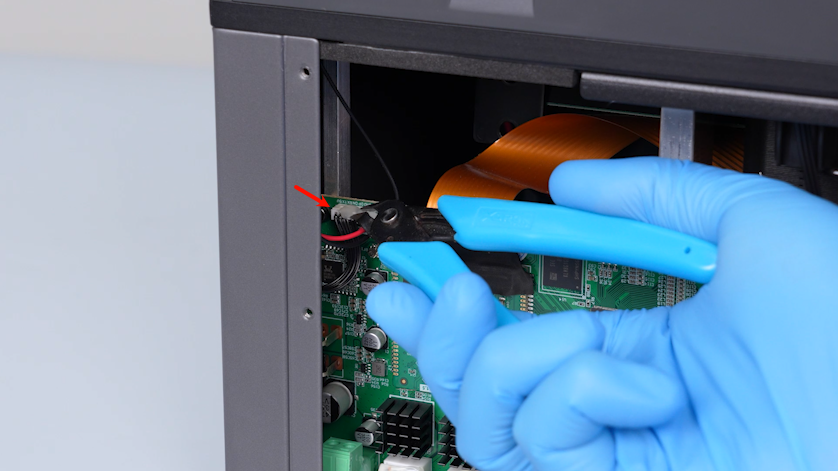
-
Unplug the cables and the Wi-Fi antenna with a pair of tweezers.
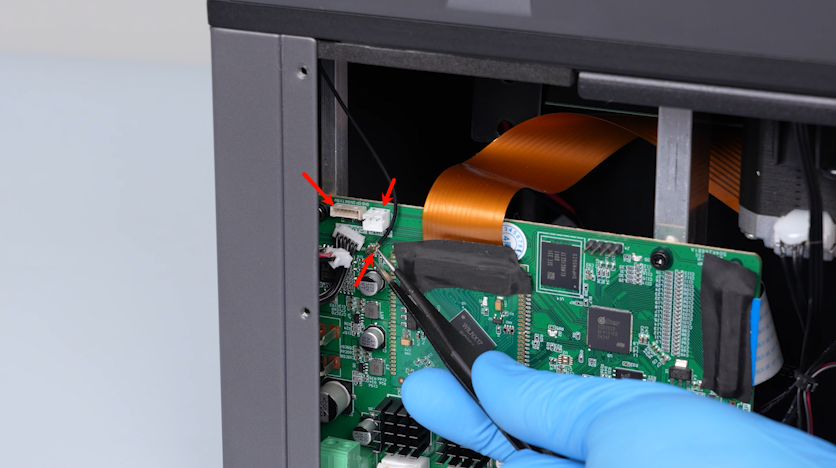
-
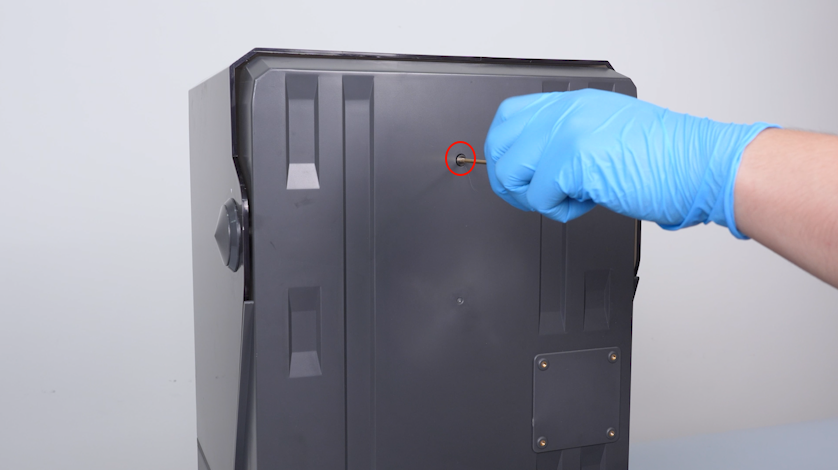
Release and remove the screws securing the back cover holder with a 2.0 mm Allen key.
-
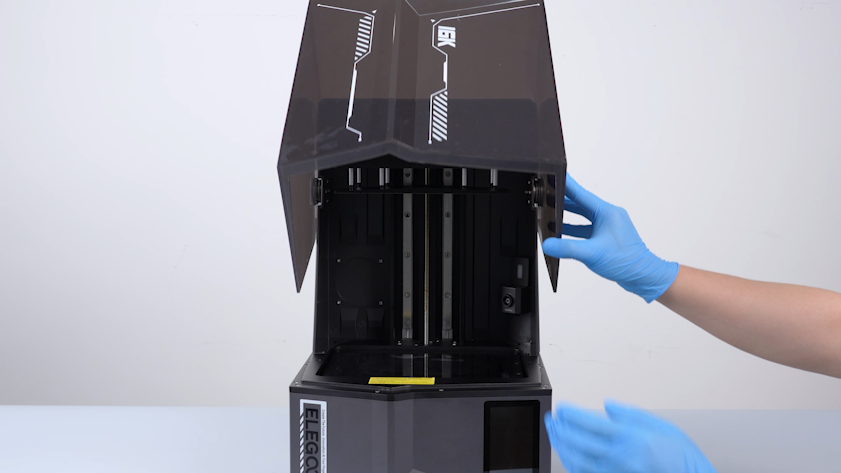
Lift the UV enclosure.
-
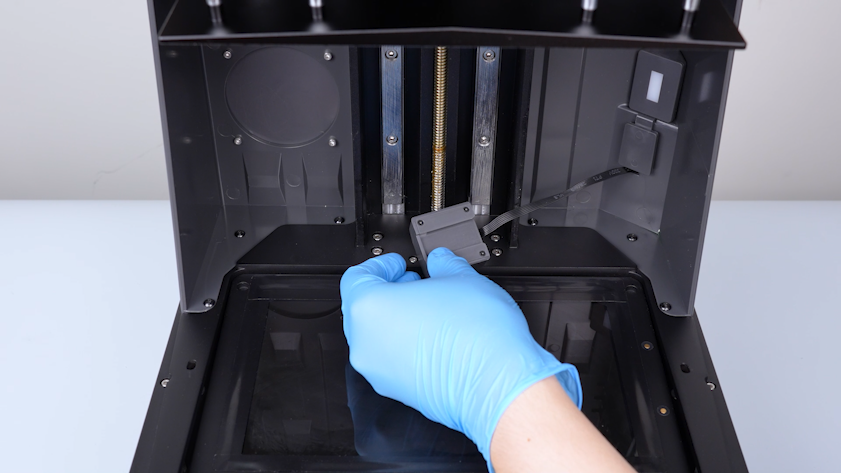
Remove the camera and put it on the LCD screen temporarily.
-
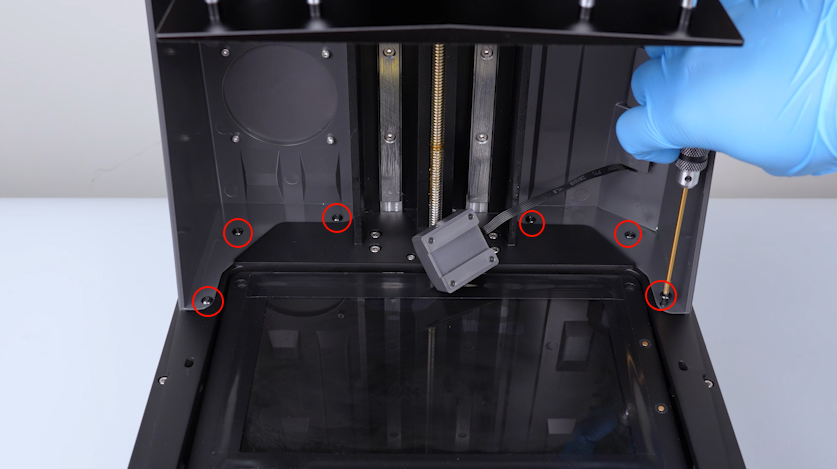
Release and remove the six screws securing the back cover holder with a 2.5 mm Allen key.
Note: Hold the back cover holder when releasing the last screw.
-
Put the camera back in its position.
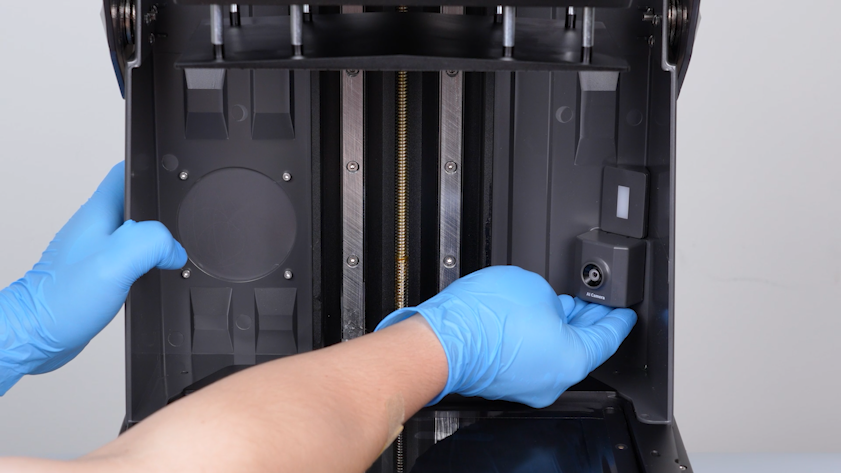
-
Remove the UV enclosure and keep it at hand.
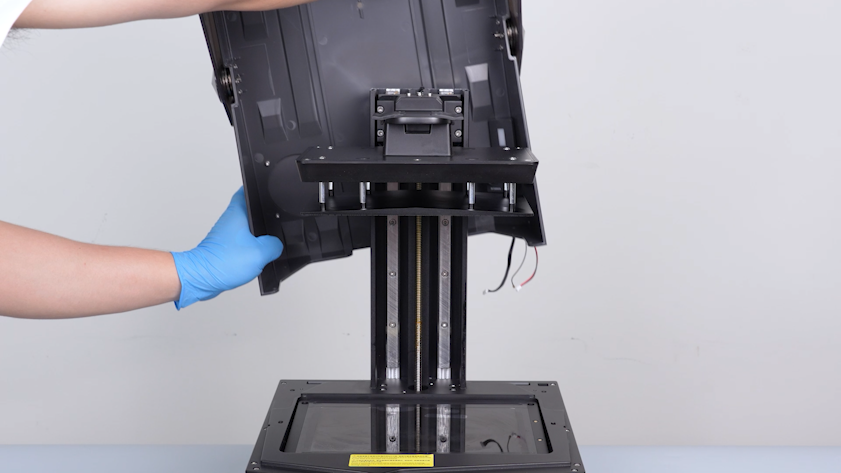
-
Release and remove the three screws on the upper part of the right-side cover with a 2.5 mm Allen key.
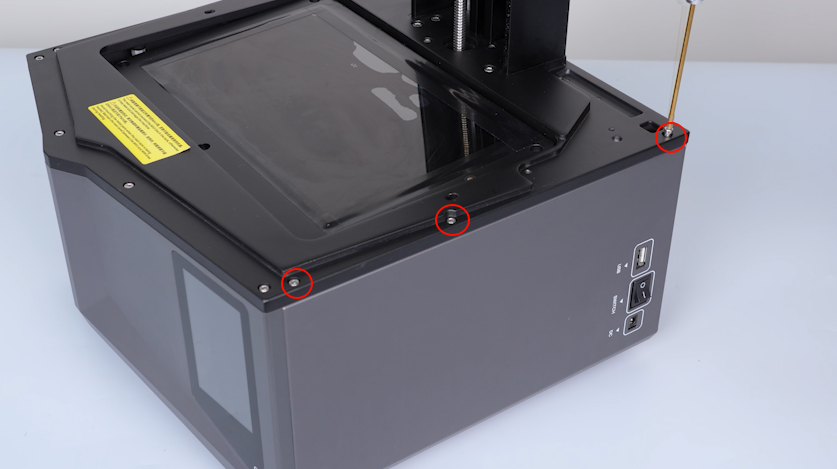
-
Release and remove the three screws on the lower part of the the right-side cover with a 2.5 mm Allen key.
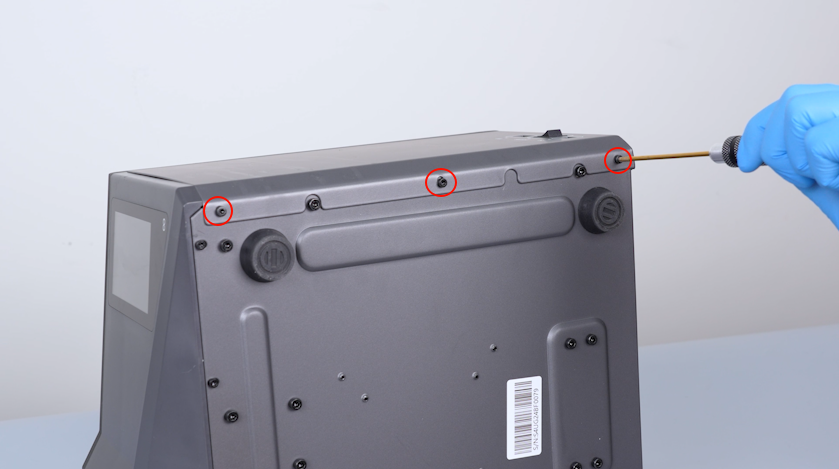
-
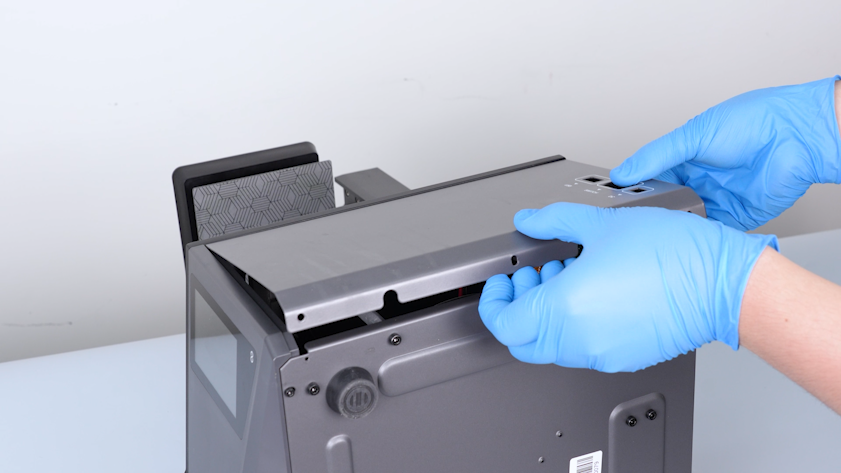
Remove the right-side cover.
-
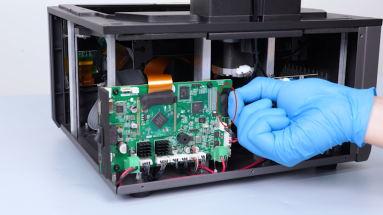
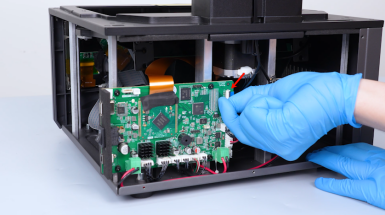
Peel off the tape securing the touch screen ribbon cable. Lift the clip. Unplug the touch screen ribbon cable.
-
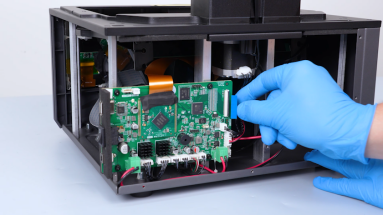
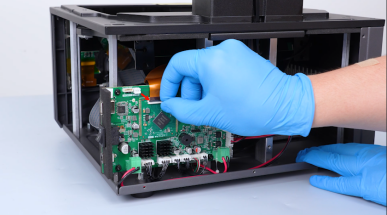
Peel off the tape securing the LCD screen ribbon cable. Lift the clip. Remove the LCD screen ribbon cable.

-
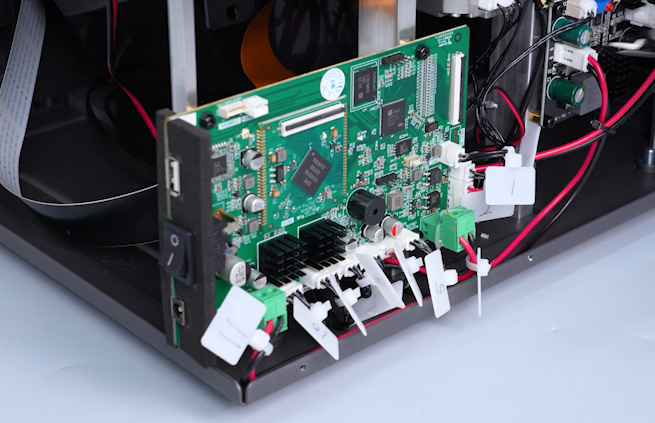
Secure the cables with cable ties and mark the cables.
-
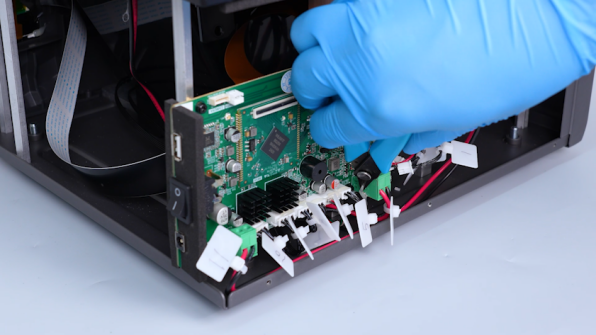
Remove the hot-melt adhesive with a pair of pliers and remove the cables.
-
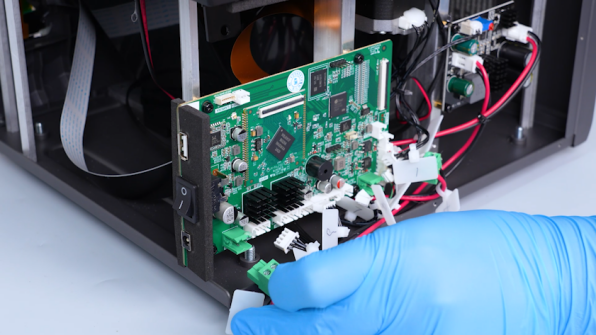
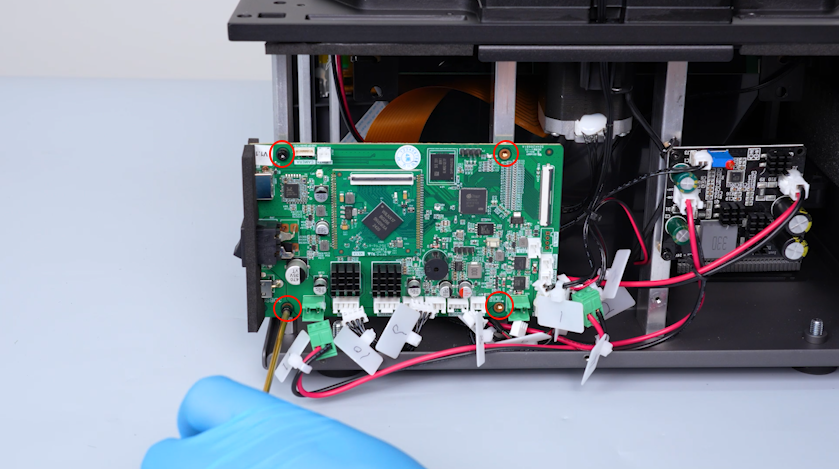
Release and remove the four screws securing the motherboard with a 2.5 mm Allen key.
Note: Hold the motherboard when releasing the last screw.
-
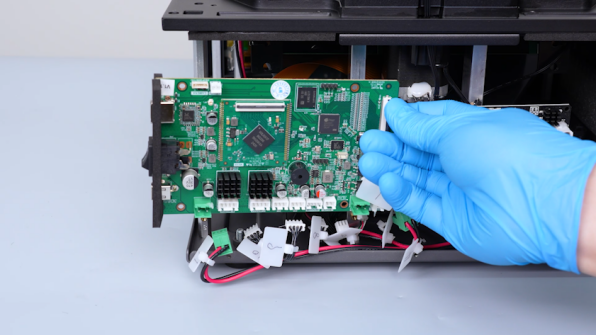
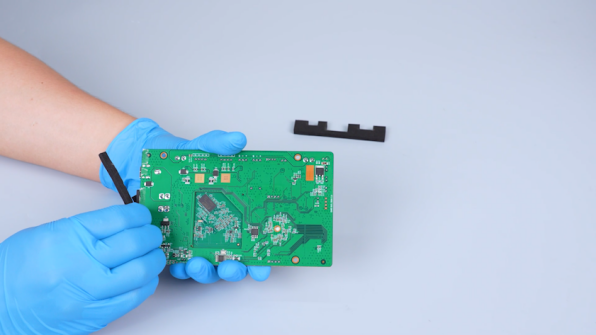
Remove the old motherboard. Remove the shading plates on the side of the motherboard.
¶ Install the new motherboard
-
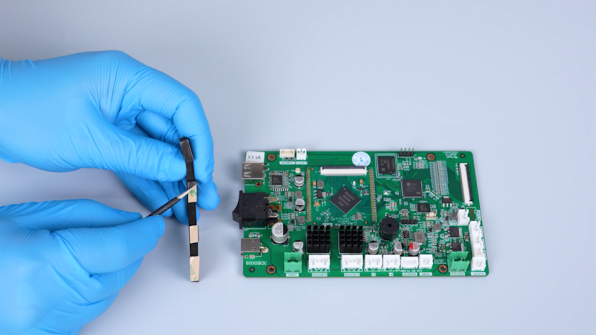
Get the new motherboard and the shading plates attached with double-sided tape.
-
Peel off the protective paper of the double-sided tape. Attach the shading plate to its position on the left side of the motherboard.
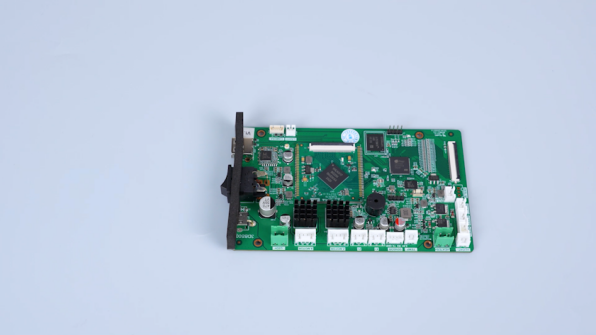
-
Attach the other shading plate to the opposite side in the same way.
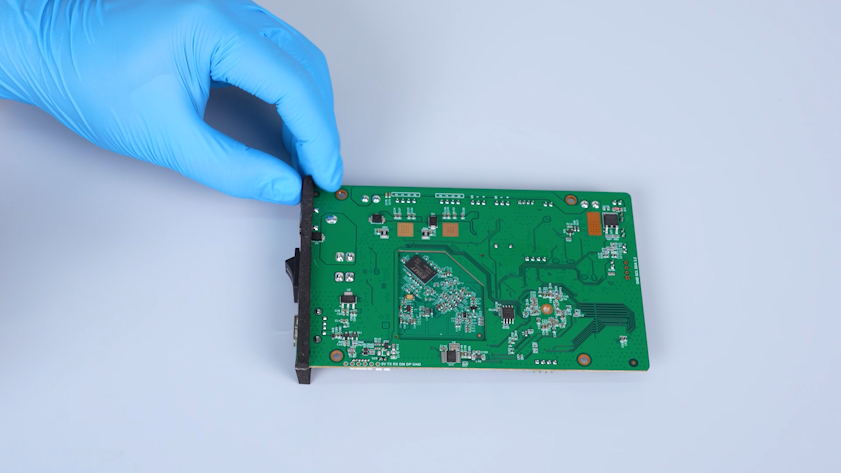
-
Put the motherboard in the installation position. Tighten the four screws securing the motherboard.
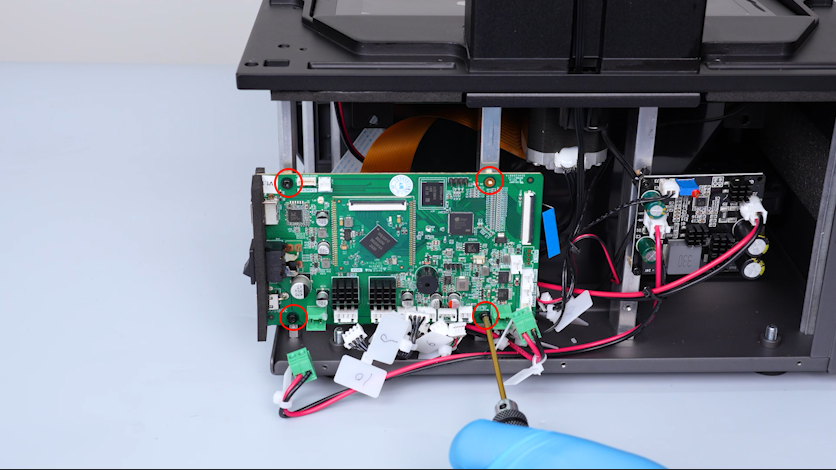
-
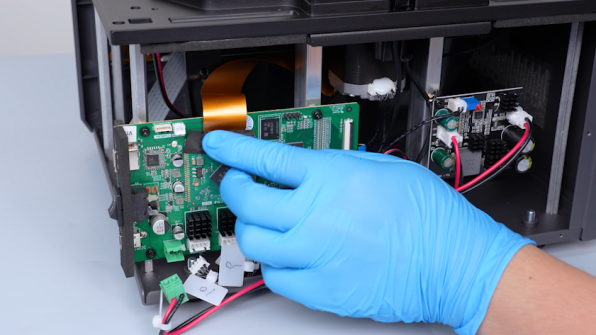
Lift the clip. Plug in the LCD screen ribbon cable. Press the clip. Secure the LCD screen ribbon cable with tape.
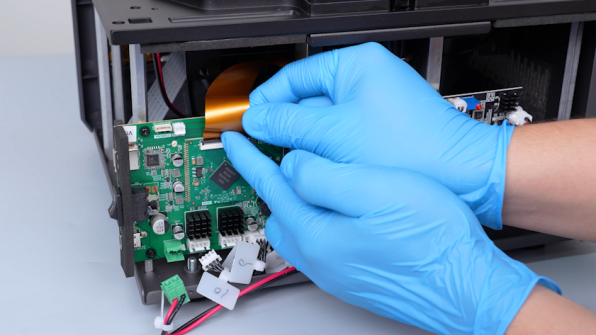
-
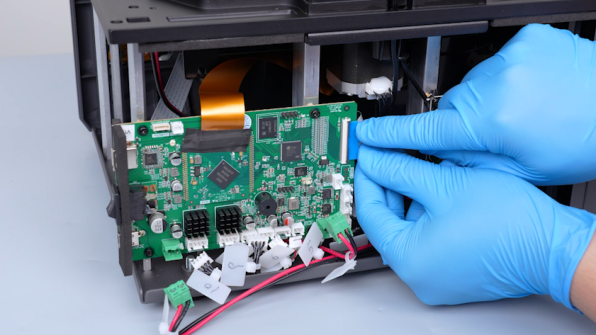
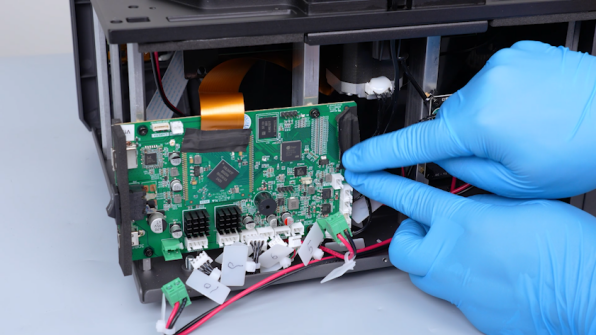
Lift the clip. Plug in the touch screen ribbon cable. Press the clip. Secure the touch screen ribbon cable with tape.
-
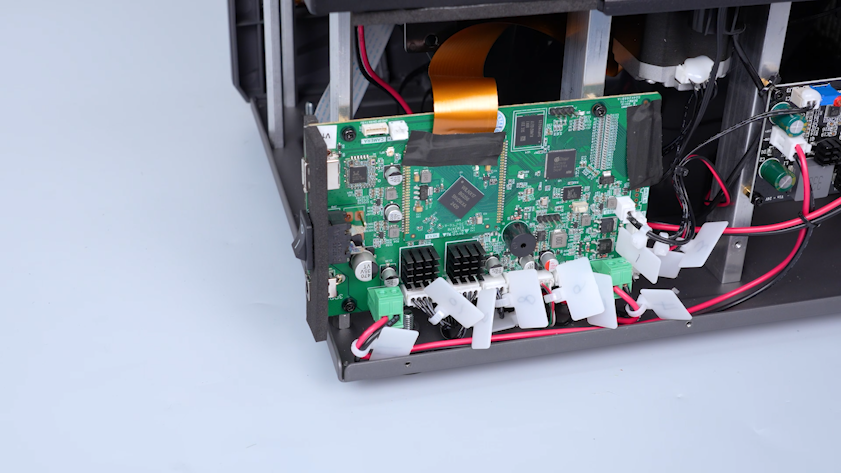
Plug in the cables.
-
Put the right-side cover in the installation position. Tighten the six screws on the upper and lower parts of the cover.
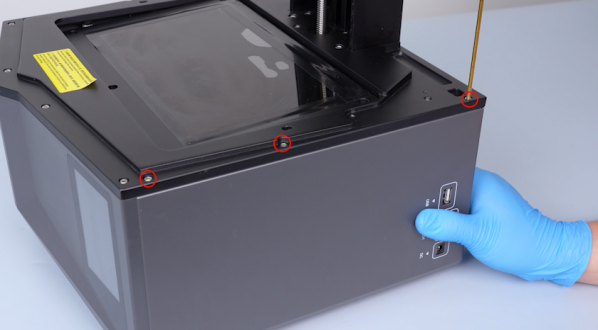
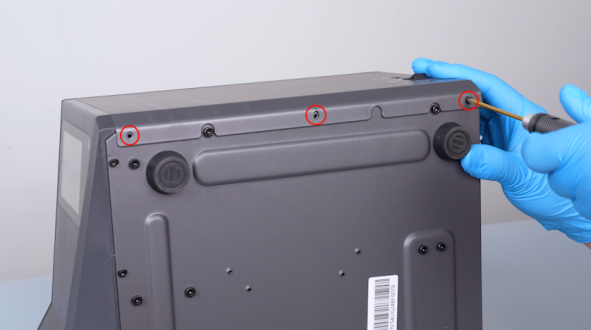
-
Put the UV enclosure in the installation position. Pass the cables through the right-side hole.
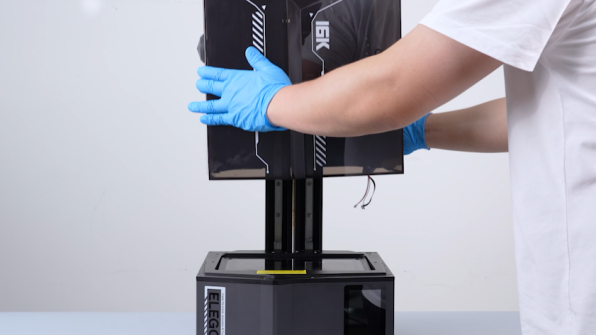
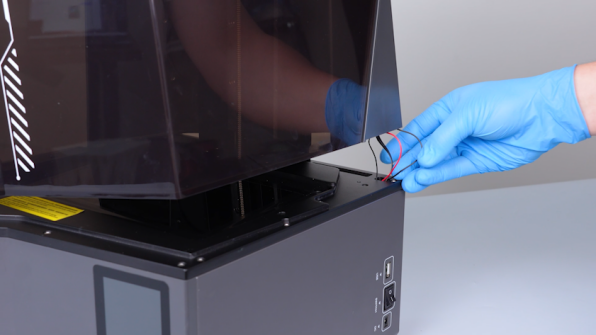
-
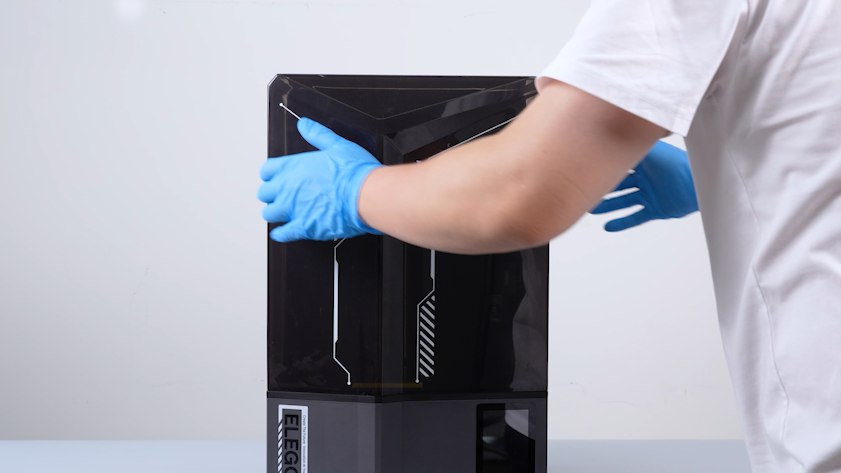
Close the UV enclosure.
-
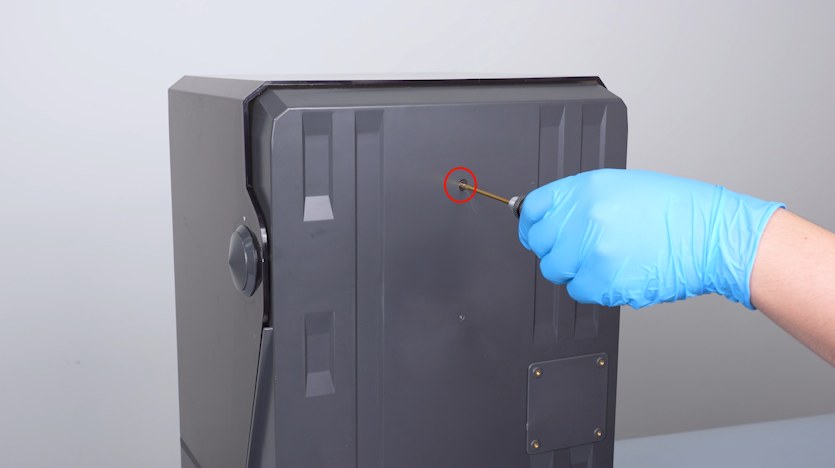
Tighten the screw securing the back cover holder.
-
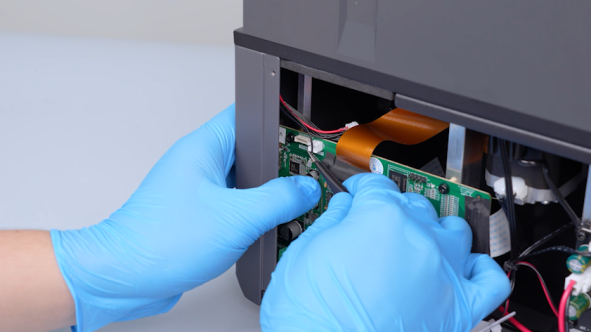
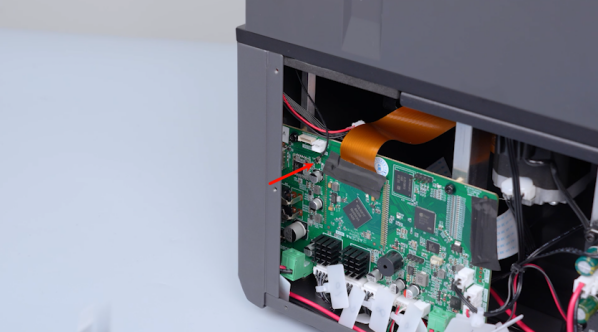
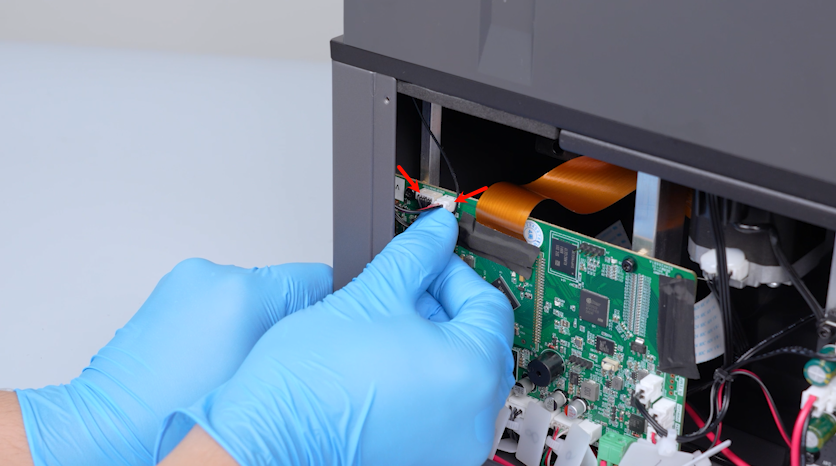
Clamp the Wi-Fi antenna with a pair of tweezers. Plug in the Wi-Fi antenna.
-
Plug in the camera cable and the LED cable.
-
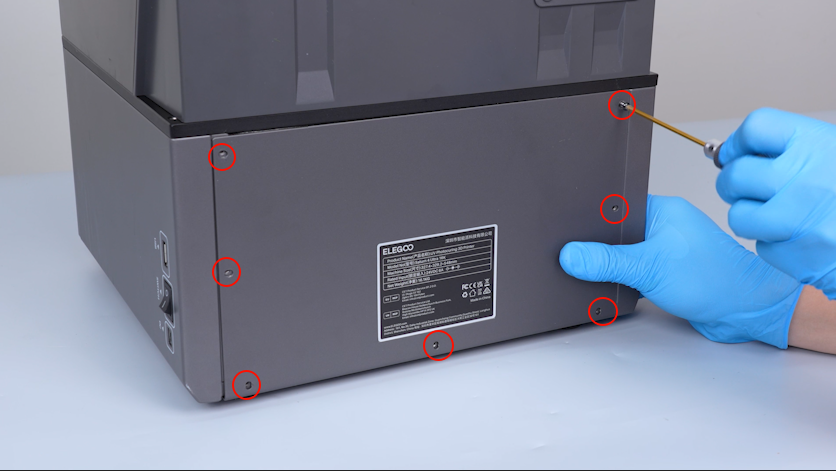
Put the back cover in the installation position. Tighten the seven screws.
-
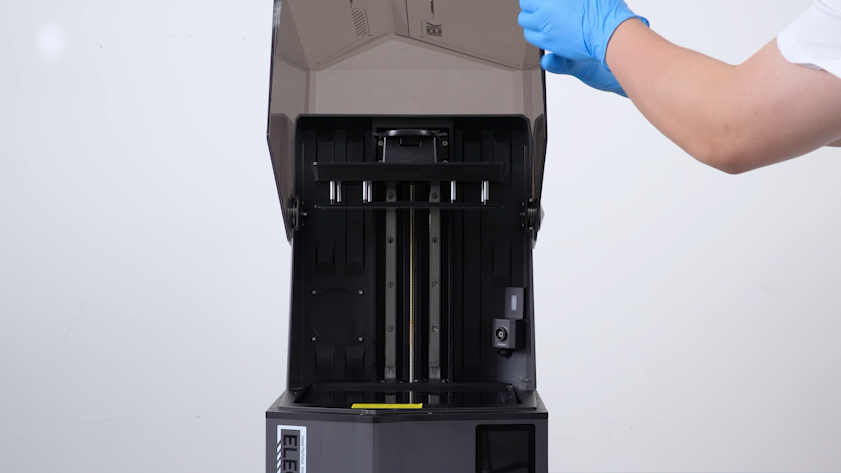
Lift the UV enclosure.
-
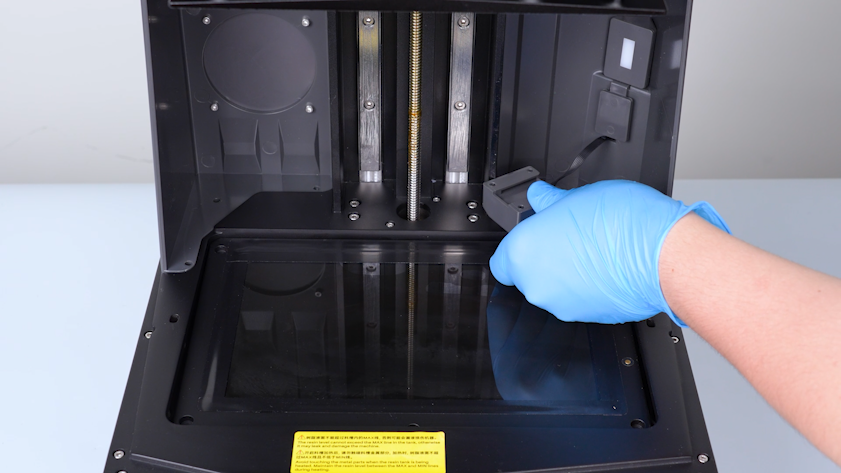
Remove the camera and put it on the LCD screen temporarily.
-
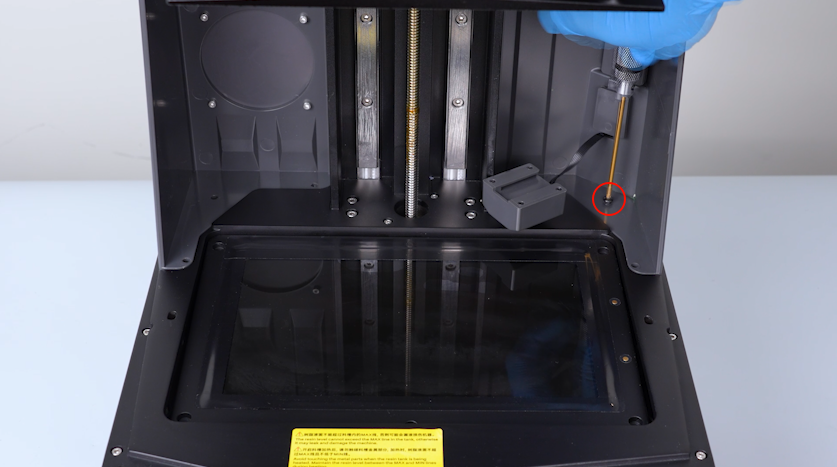
Tighten the screw securing the back cover holder in the middle.
-
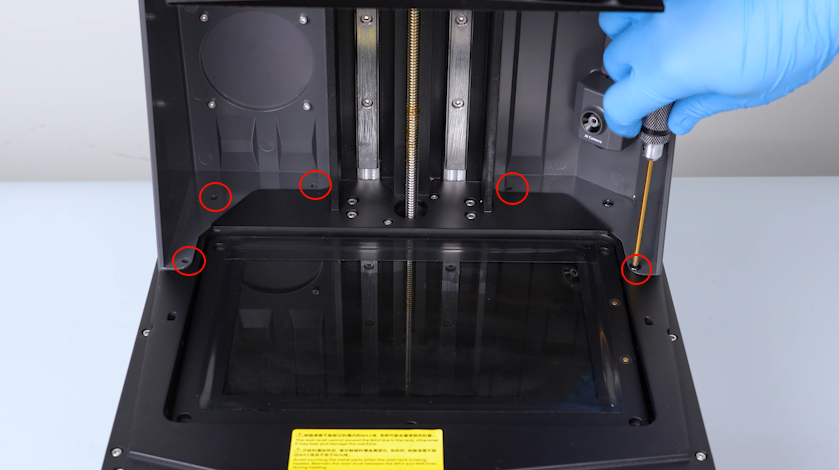
Tighten the other five screws.
-
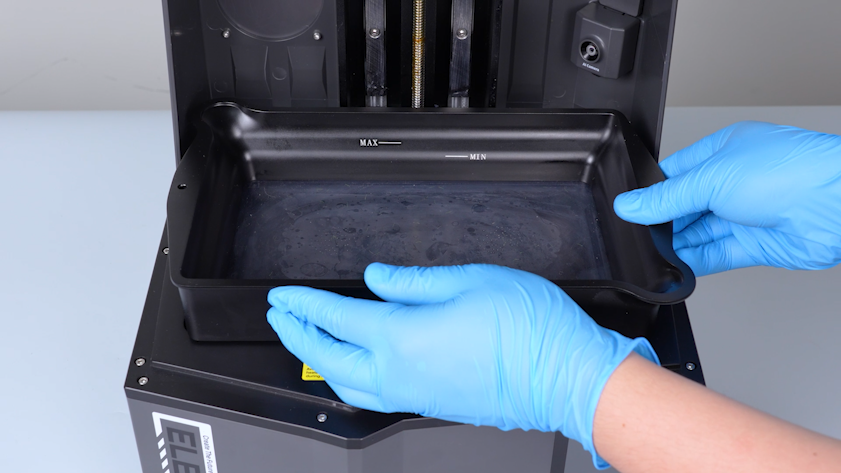
Get the resin tank and put it in the installation position.
-
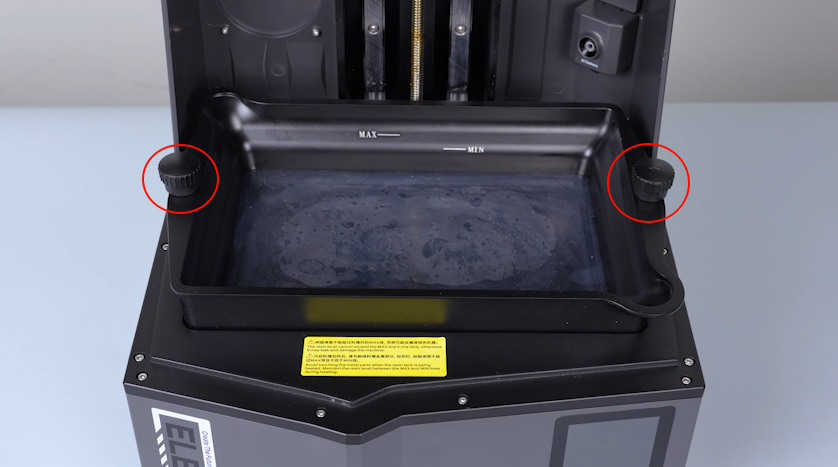
Tighten the two knob screws.
-
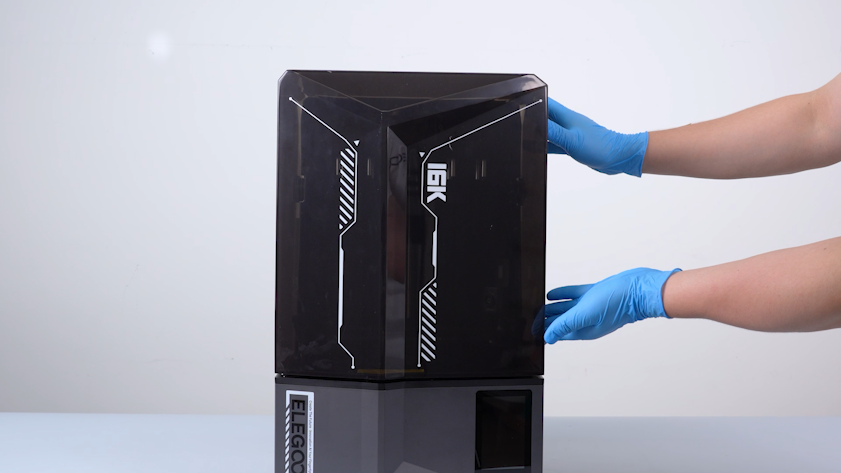
Close the UV enclosure.
¶ Restart the printer
-
Plug in the power adapter cable. Turn the power switch ON (symbol""|"").
-
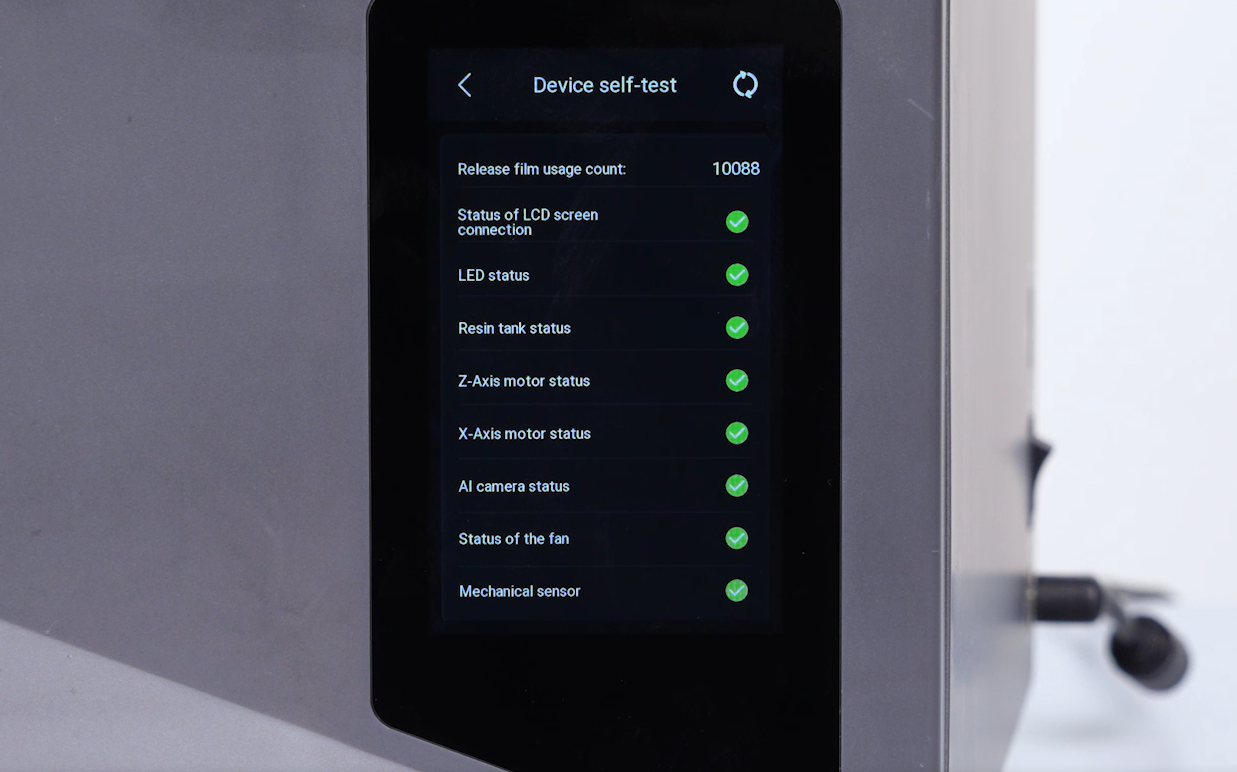
The printer is ready for use after the self check.