¶ Fault Phenomenon:
After turning on the printer's power, the touch screen or Fluidd immediately displays an error message:
.png)
¶ Fault Cause:
Installation of firmware not provided by Elegoo. The Neptune 4 series printers use a customized version of the Klipper firmware. Firmware updated via Fluidd that is not provided by Elegoo may brick the printer. Installing third-party firmware can also lead to this situation.
¶ Tools Required for Troubleshooting:
- eMMC adapter
- USB drive formatted as FAT32 with a capacity of less than 16GB
- TF card formatted as FAT32 with a capacity of less than 32GB
- TF card reader
- 2.0mm hex screwdriver
¶ Troubleshooting Steps:
¶ 1. Update the repair package, motherboard firmware, and touch screen firmware.
Firmware download link:
https://www.elegoo.com/pages/download
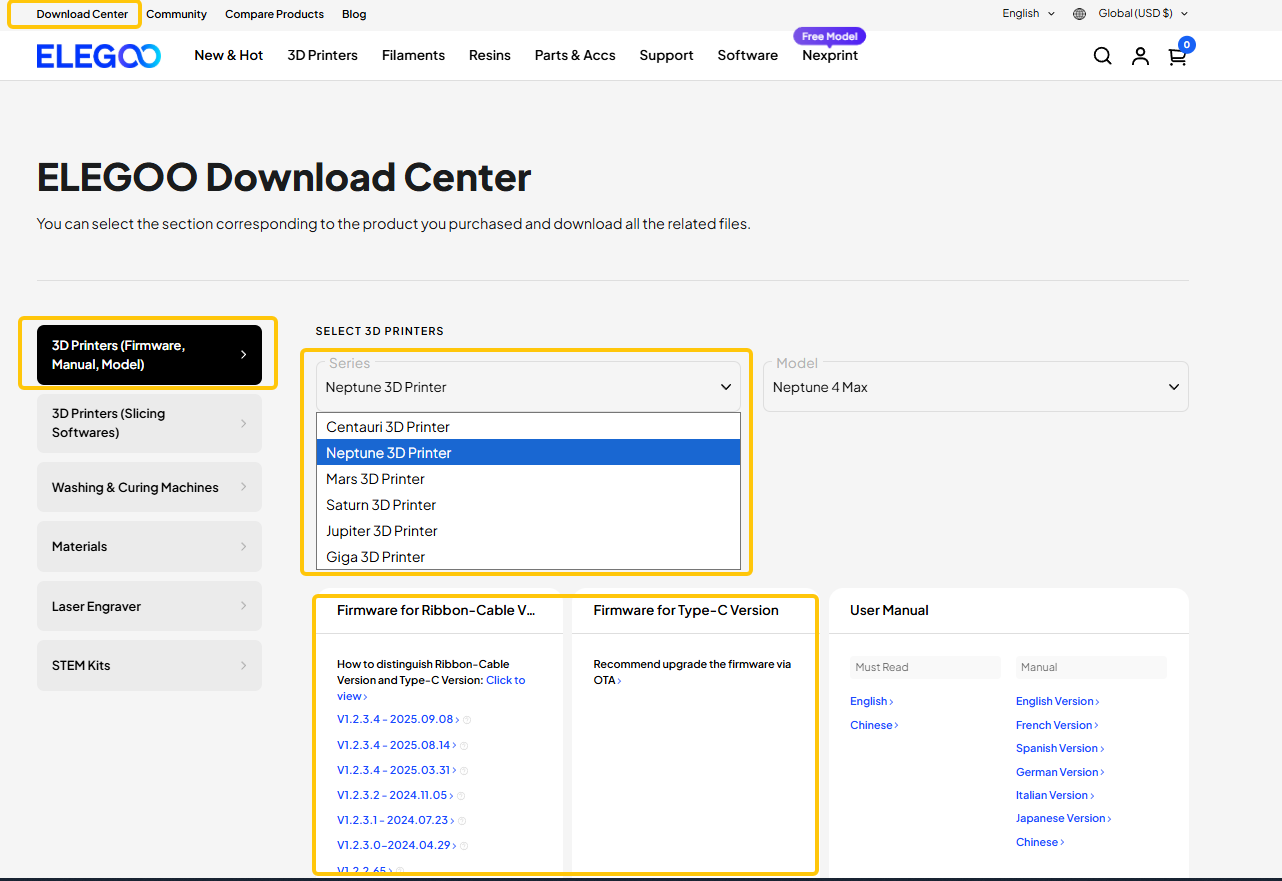
How to update the repair firmware/motherboard firmware/touch screen firmware for Neptune 4 Plus & Max:
https://wiki.elegoo.com/neptune/neptune-4-plus-max-how-to-use-motherboard-and-touch-screen-firmware
How to update the repair firmware for Neptune 4 & 4 Pro:
https://wiki.elegoo.com/neptune/load-fix-pack
How to update the motherboard firmware and touch screen firmware for Neptune 4 & 4 Pro:
https://wiki.elegoo.com/neptune/motherborad-and-touch-screen-firmware-update
Video tutorial for updating the touch screen and motherboard firmware:
https://www.youtube.com/watch?v=TC-Y0lonv74
¶ 2. Update the image file.
Please refer to the link below to update the image file:
https://wiki.elegoo.com/machines/neptune/maintenance/neptune-4-series/image-installation-methods