¶ Tools and Materials
-
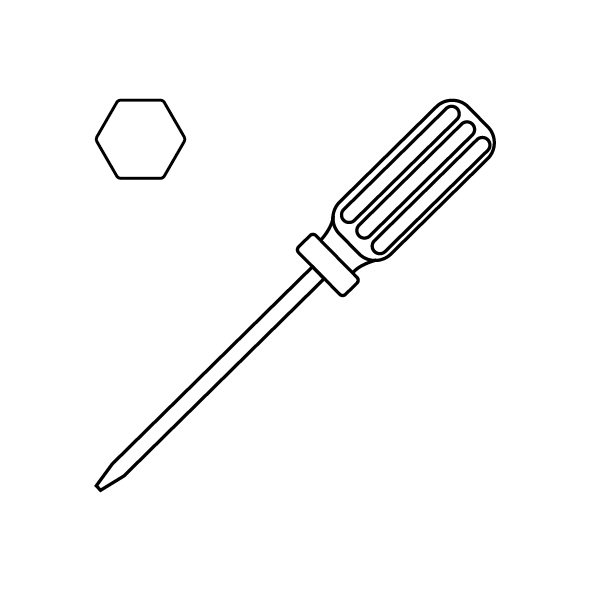
A 2.0 mm Allen key
-
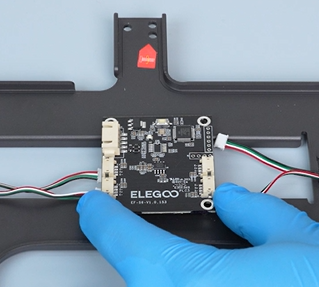
A new adapter board of the pressure sensor
¶ Tutorial Video
https://www.youtube.com/watch?v=R14mDmGJSG0
¶ Instruction
¶ Preparation
Turn the power switch OFF (symbol "〇") and unplug the power supply cable.
¶ Remove the old adapter board from the pressure sensor
-
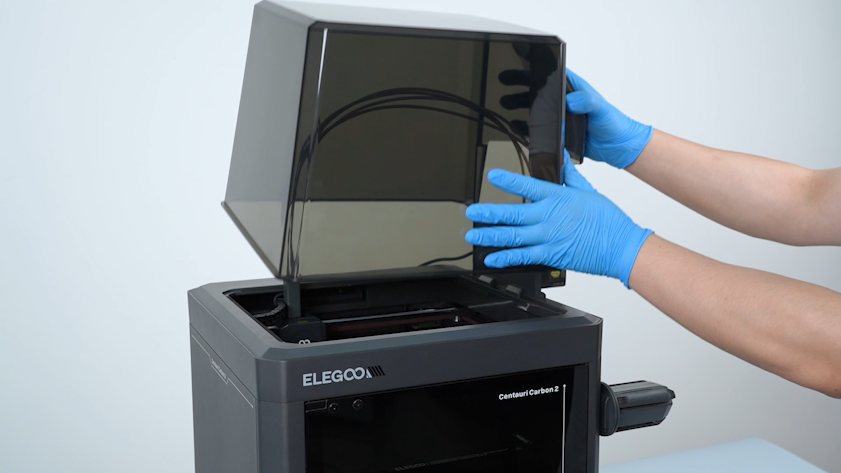
Remove the lid.
-
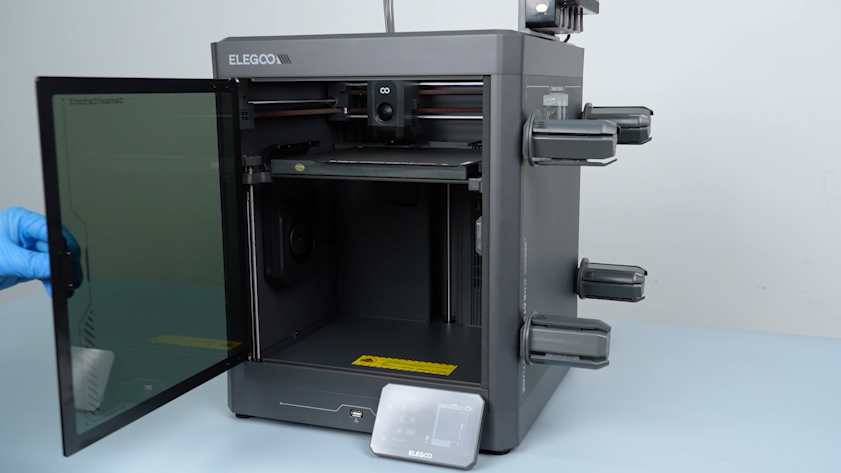
Open the front door.
-
Select Settings - Home on the touch screen. Wait for the homing process of the tool head to complete.
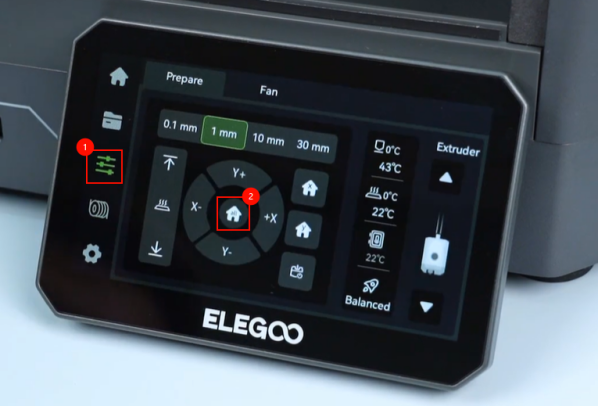
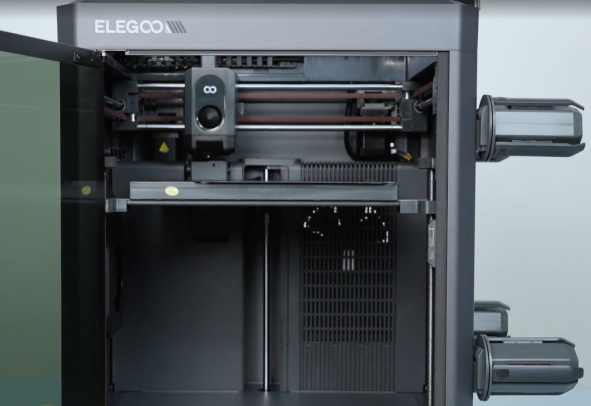
-
On the touch screen, select 30 mm as the motor movement distance. Select ↓ to lower the heated bed by 60 mm
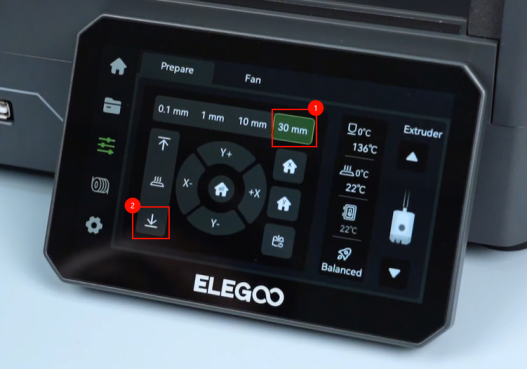
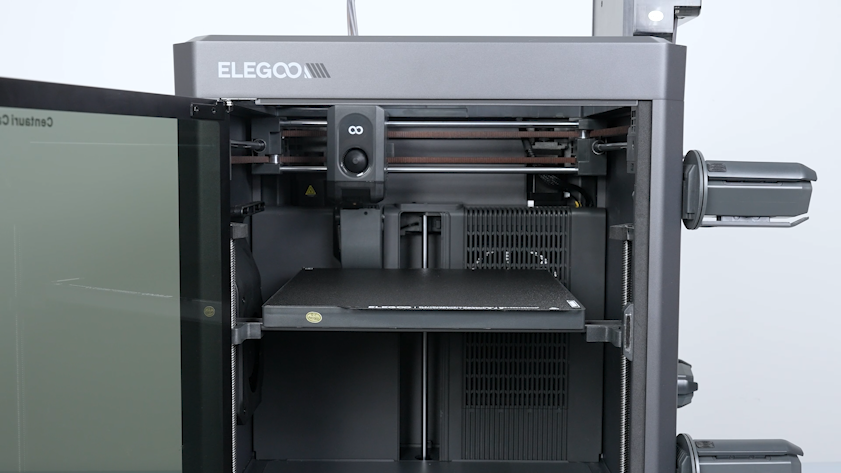
-
Turn the power switch OFF (symbol "〇") and unplug the power supply cable.
-
Release and remove the six screws securing the heated bed pallet with a 2.0 mm Allen key.
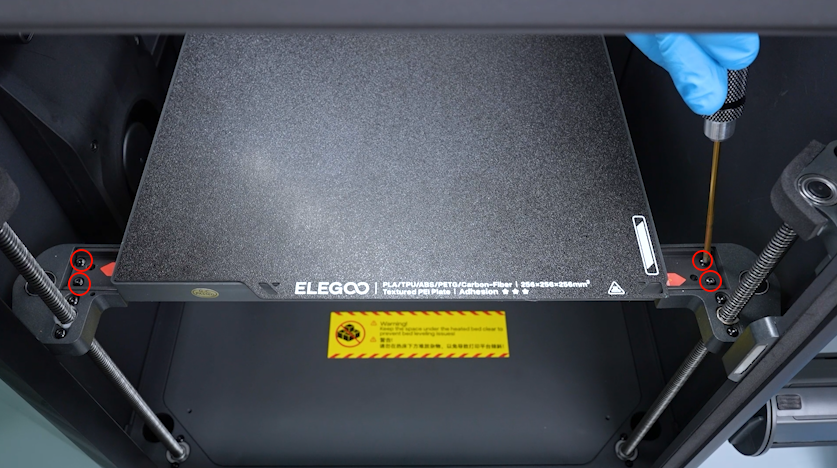
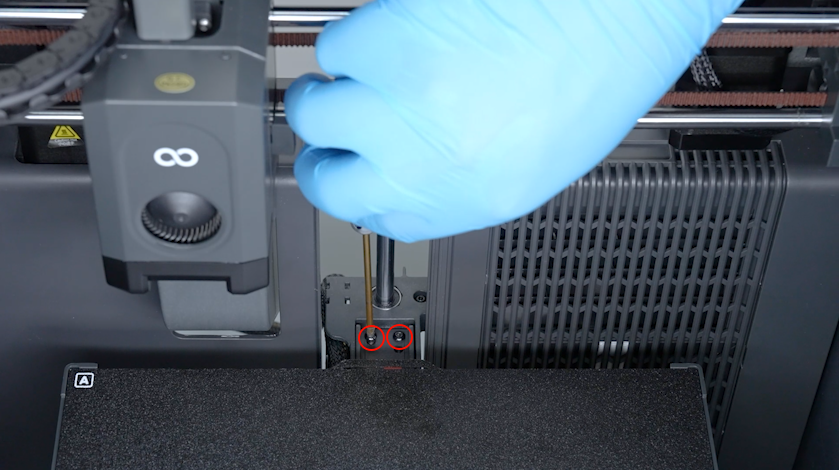
-
Remove the PEI plate.
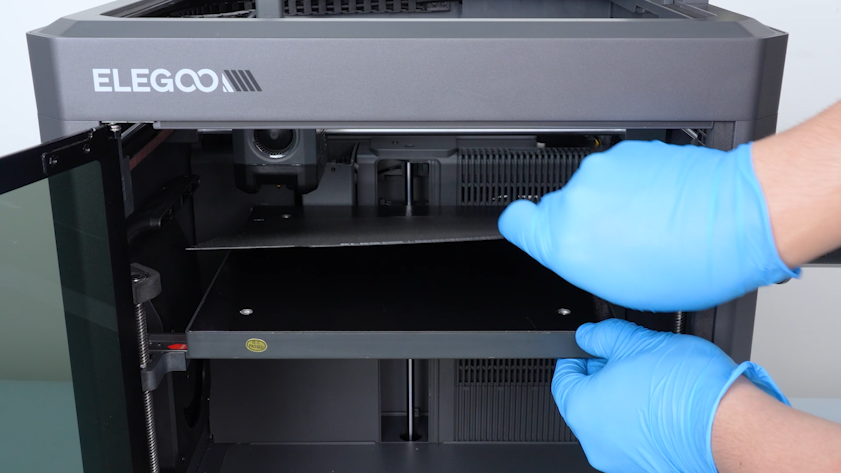
-
Secure the pin of the mutual locking bolt with a 2.0 mm Allen key. Release and remove the collar of the mutual locking bolt with another 2.0 mm Allen key.
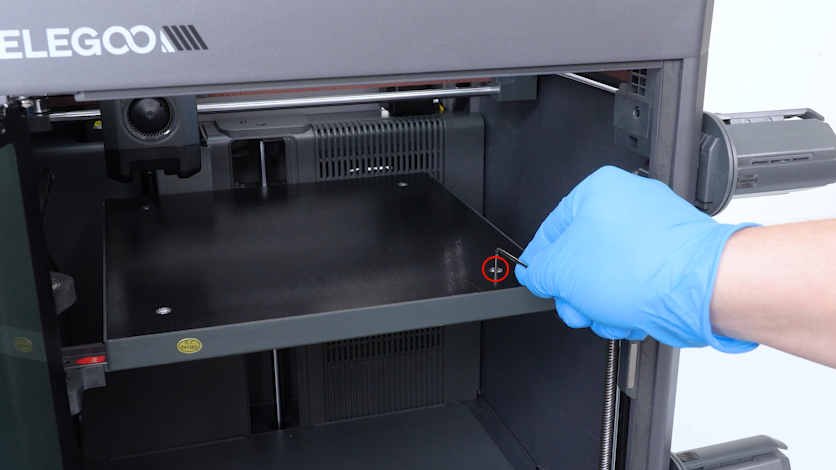
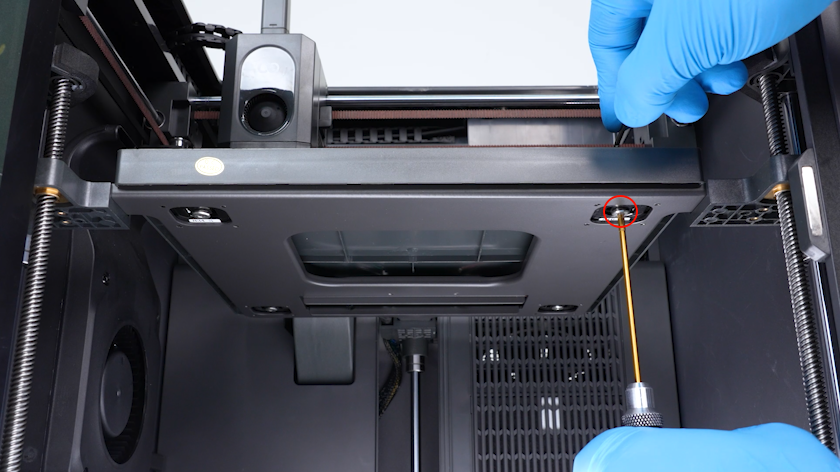
-
Remove the other mutual locking bolts in the same way.
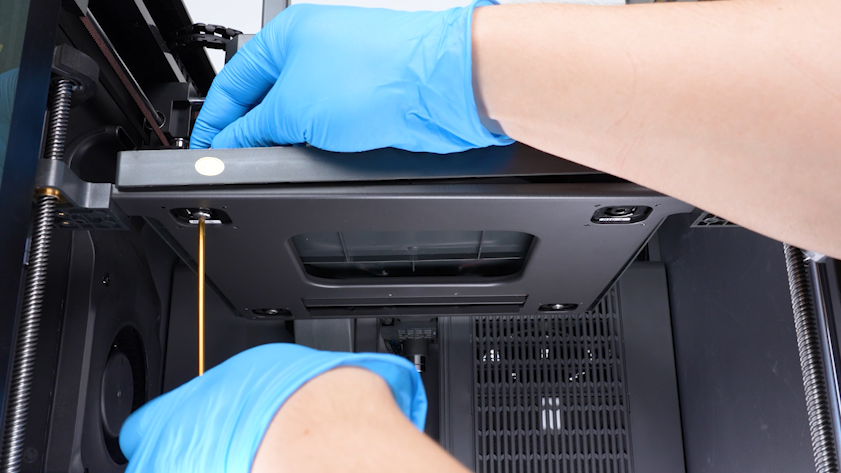
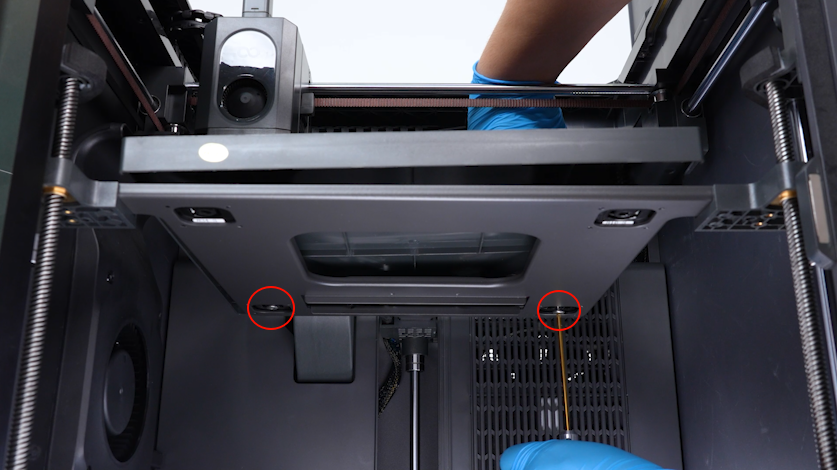
-
Lift the heated bed.
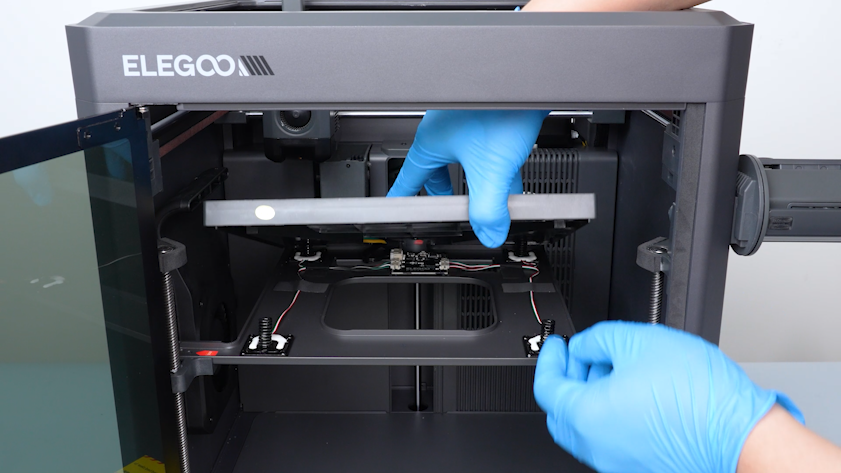
-
Remove the springs.
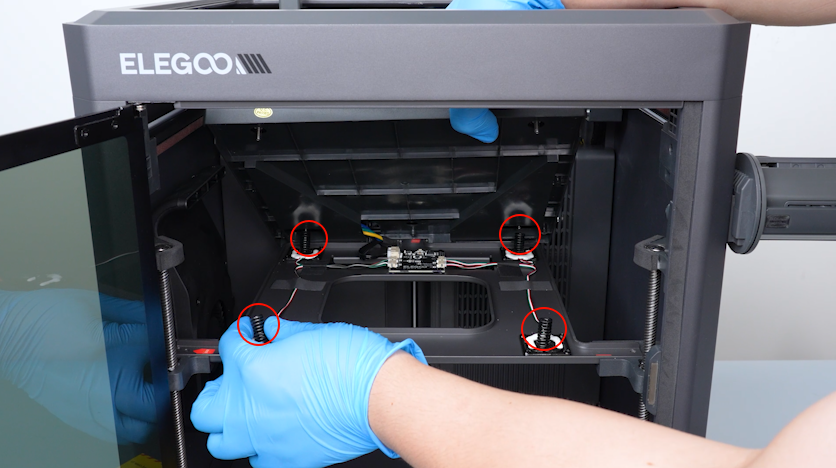
-
Unplug the connection cable of the pressure sensors.
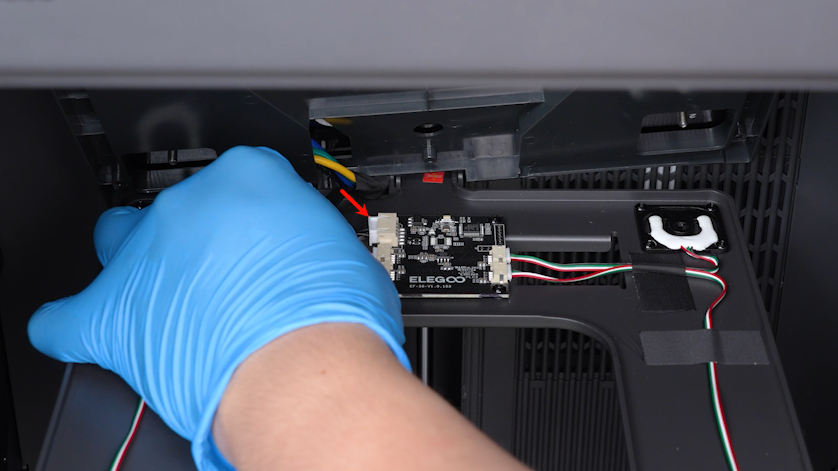
-
Remove the heated bed pallet.
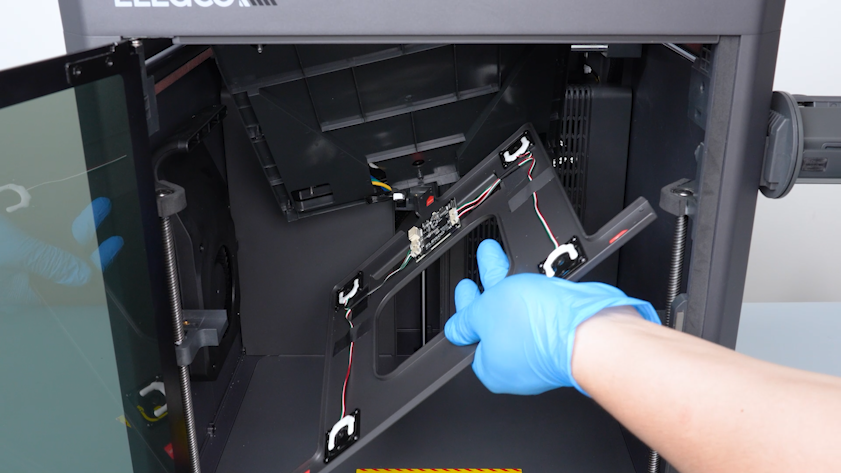
-
Tilt the heated bed and place it temporarily in the chamber.
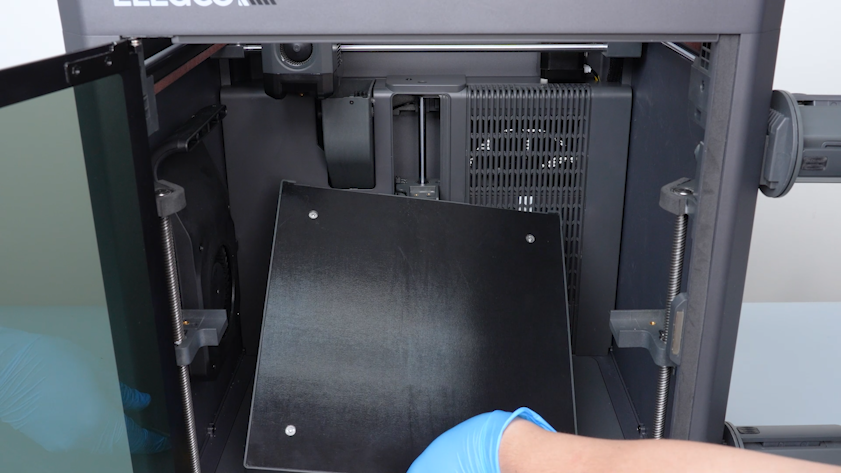
-
Unplug the cables of the pressure sensors.
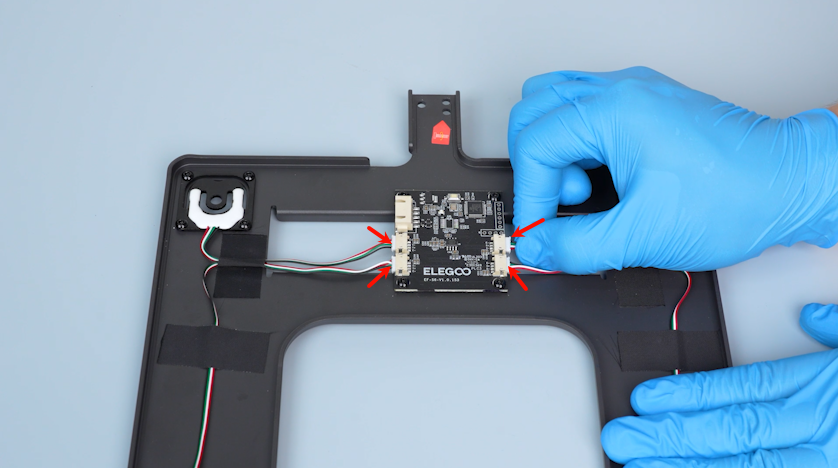
-
Release and remove the four screws securing the adapter board of the pressure sensor with a 2.0 mm Allen key. Remove the old adapter board of the pressure sensor.
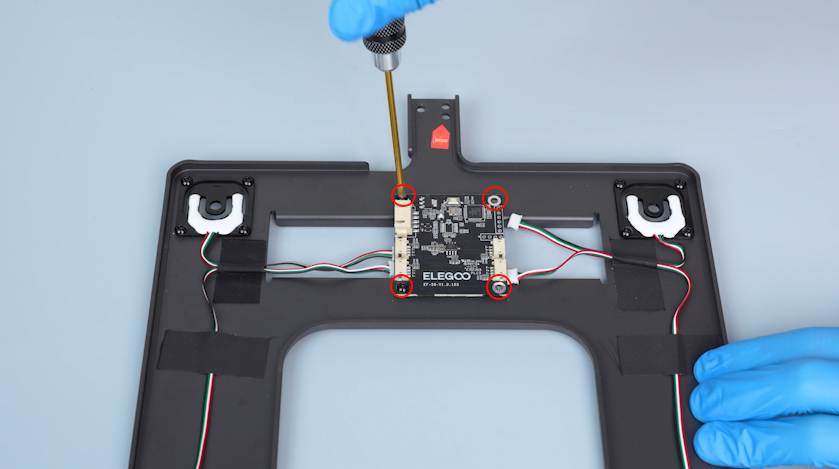
¶ Install the new adapter board of the pressure sensor
-
Get the new adapter board of the pressure sensor. Tighten the four screws securing the adapter board of the pressure sensor.
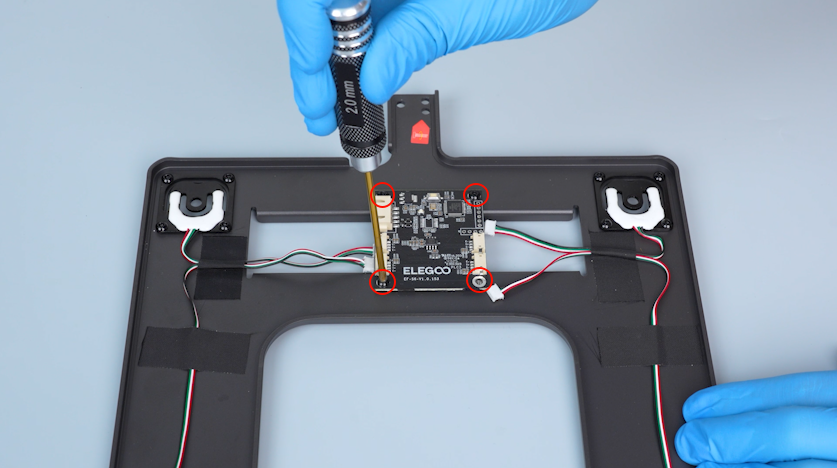
-
Plug in the cables of the four pressure sensors.
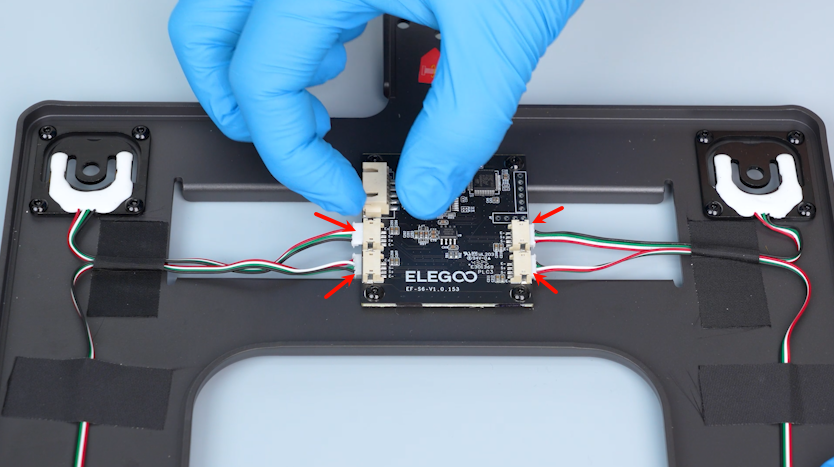
-
Lift the heated bed. Place the heated bed pallet in the installation position.
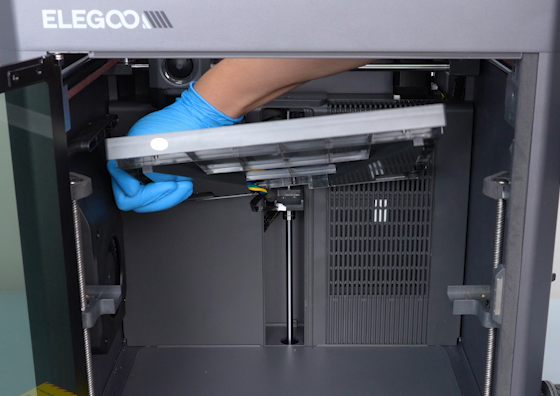
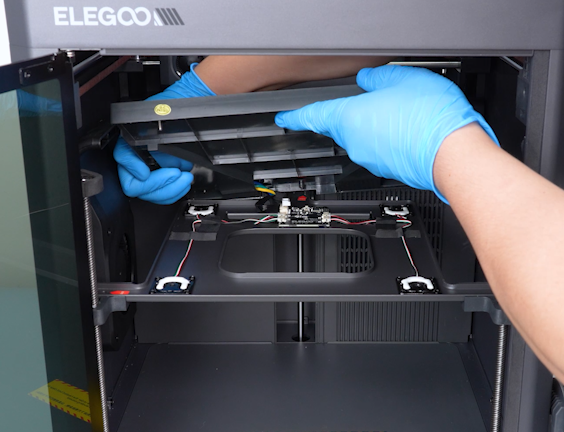
-
Plug in the extension cable of the pressure sensors.
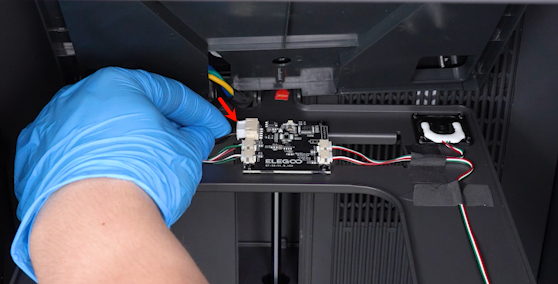
-
Put the springs in the installation position.
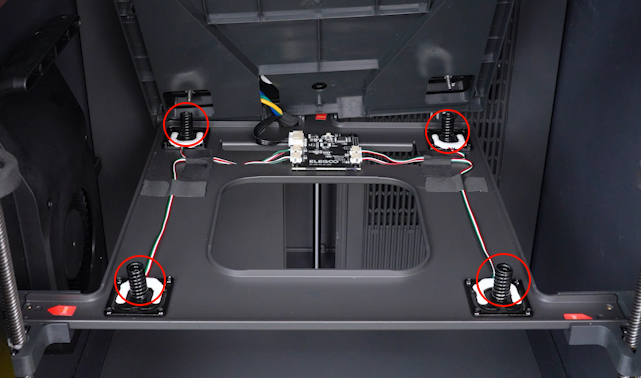
-
Carefully lay the heated bed down and align it with the springs.
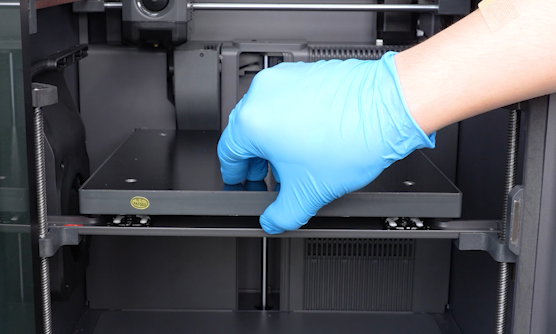
-
Tighten the six screws securing the heated bed pallet.
-
Secure the pin of the mutual locking bolt and tighten the collar of the mutual locking bolt.
-
Tighten the other mutual locking bolts in the same way.
-
Put the PEI plate in the installation position.
¶ Level the printer
-
Plug in the power cord and power on the printer.
-
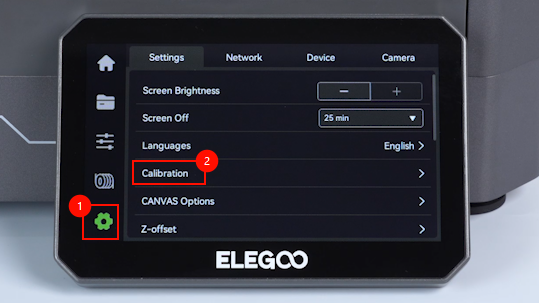
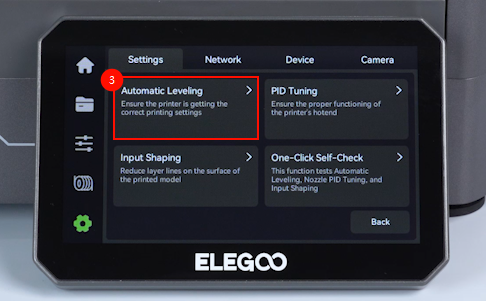
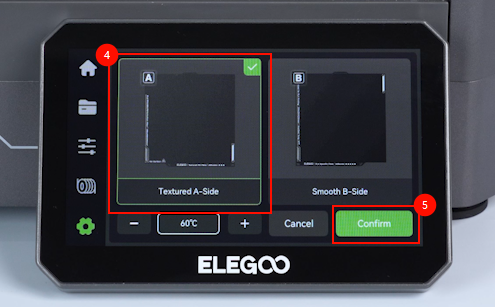
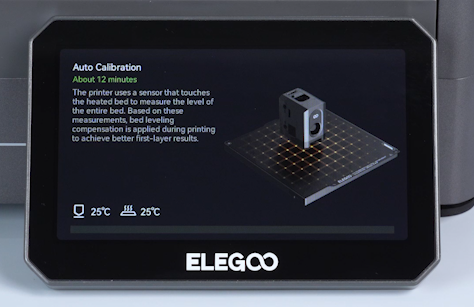
On the touch screen, select Settings - Calibrate - Automatic Leveling - Textured A-side - Confirm. The printer is then ready for use.