¶ Tools and Materials
-
A 2.0 mm Allen key
-
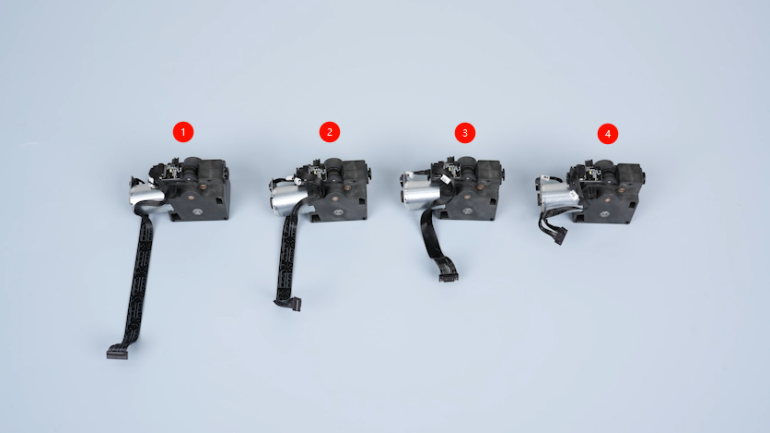
New feeder motors
¶ Tutorial Video
¶ Instruction
¶ Preparation
Turn the power switch OFF (symbol "〇"). Unplug the power supply cable.
¶ Remove the old Feeder Motors
-
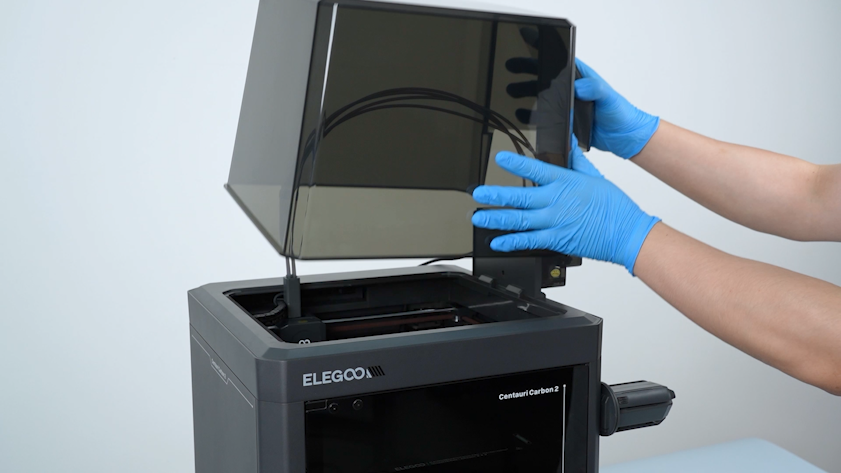
Remove the lid.
-
Unplug the communication cable of the CANVAS.
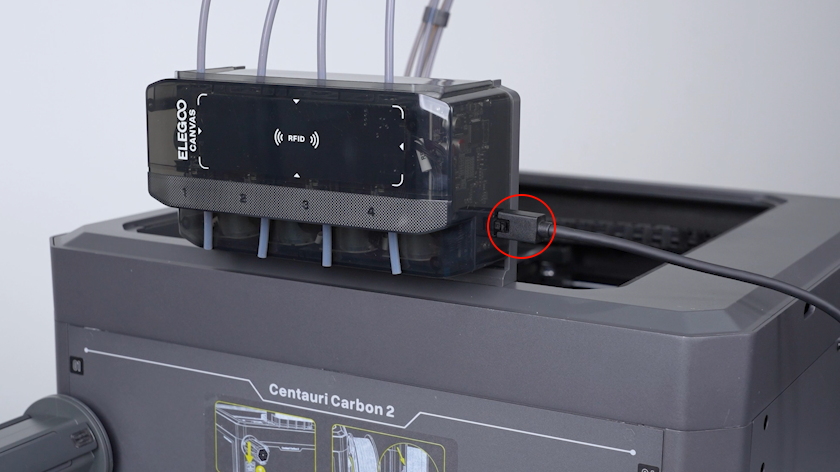
-
Press the top of the PTFE tube connector with a pair of tweezers and unplug the PTFE tube.
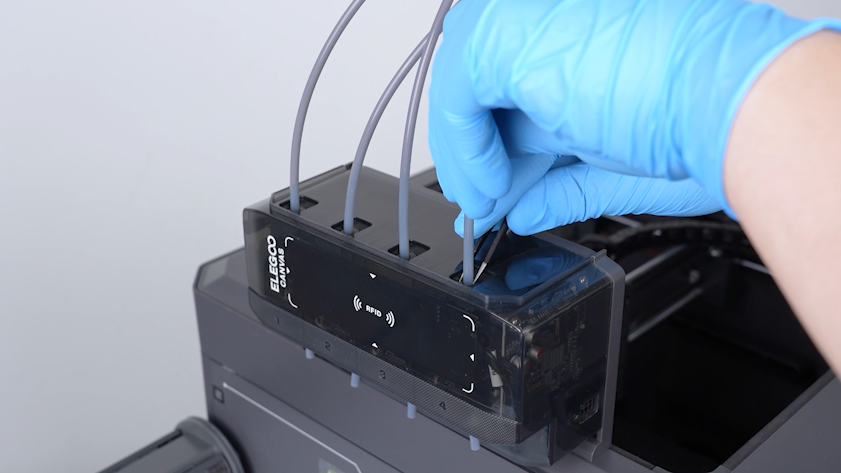
-
Unplug the PTFE tubes on the bottom of the CANVAS in the same way.
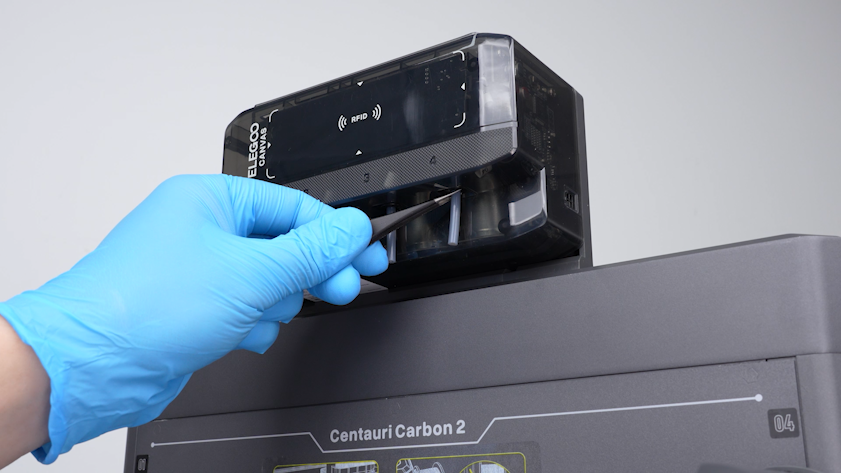
-
Remove the three screws securing the CANVAS.
Note: Hold the CANVAS when removing the last screw.
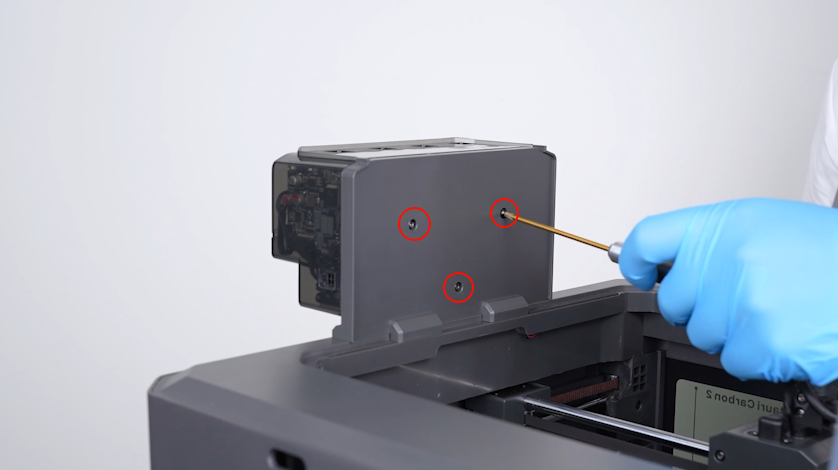
-
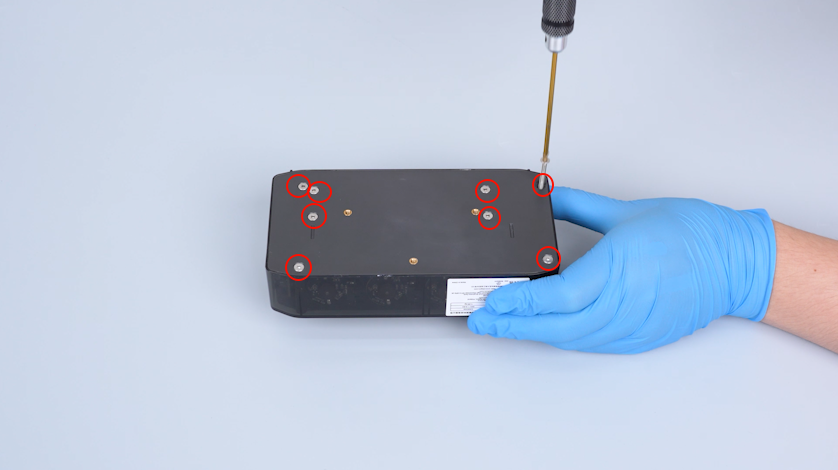
Remove the CANVAS and lay it flat on the table. Release and remove the eight screws securing the housing of the CANVAS with a 2.0 mm Allen key.
-
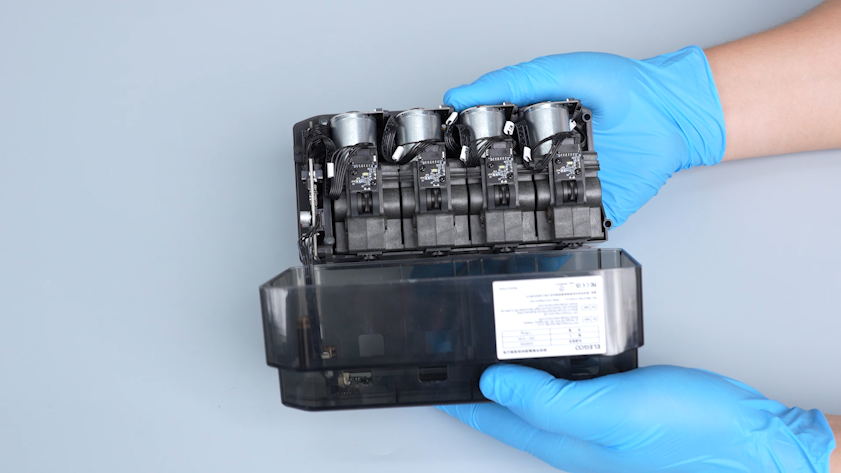
Open the housing of CANVAS.
-
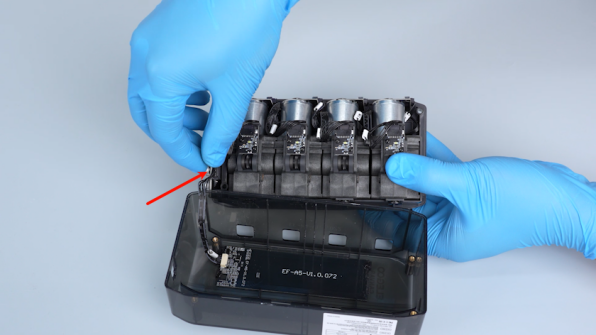
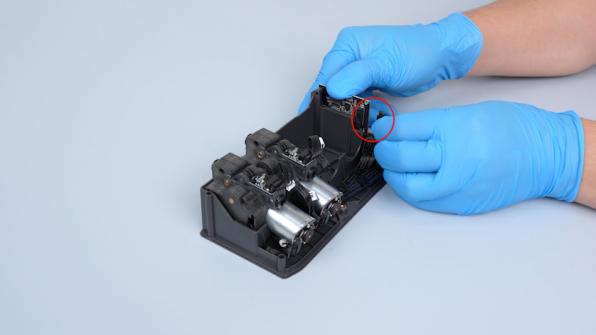
Unplug the connection wire of the RFID antenna board. Remove the housing of the CANVAS.
-
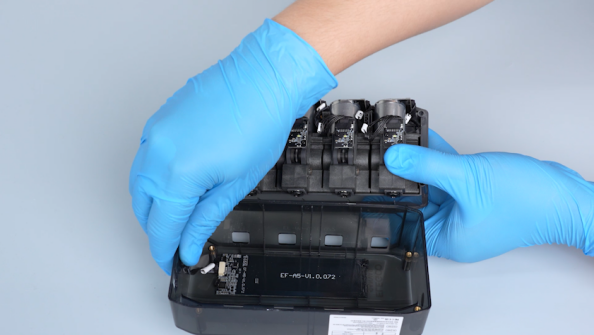
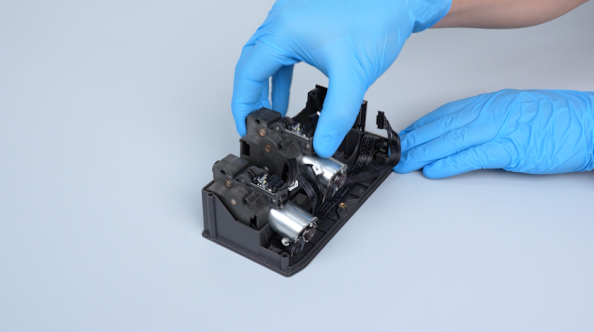
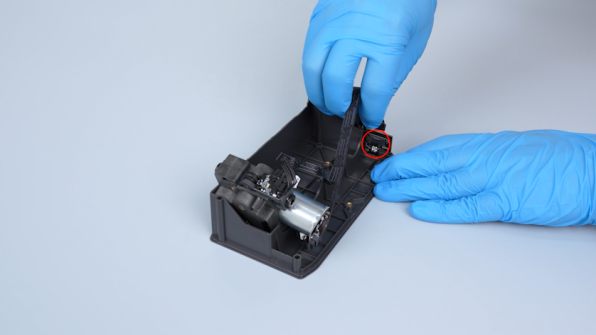
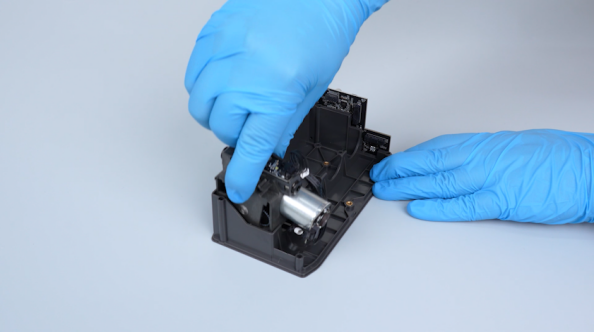
Unplug the 4th feeder motor cable and remove the 4th feeder motor.
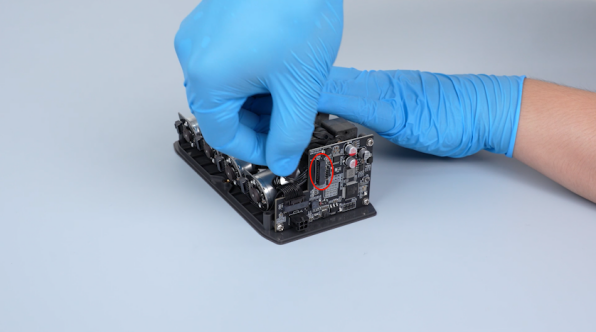
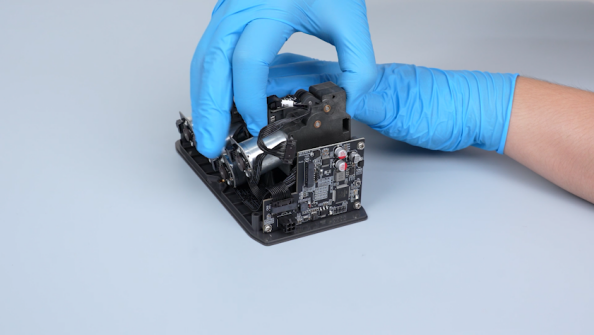
-
Unplug the 3rd, 2nd and 1st feeder motor cables. Remove the three feeder motors.
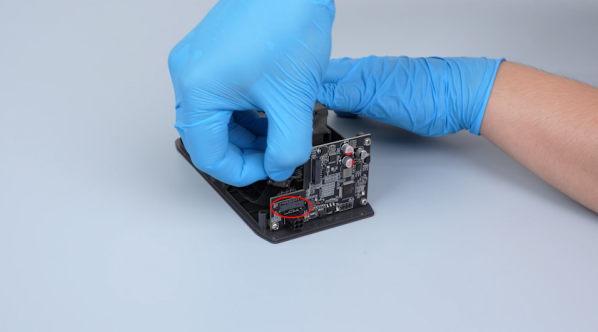
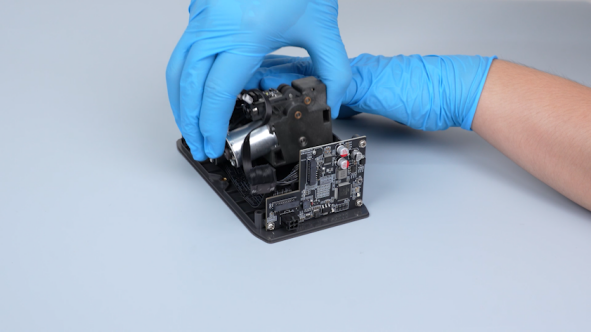
¶ Install the New Feeder Motors
-
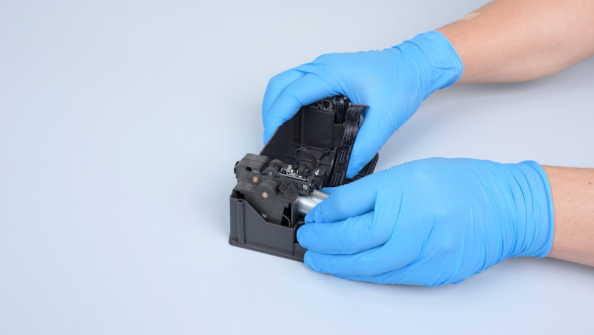
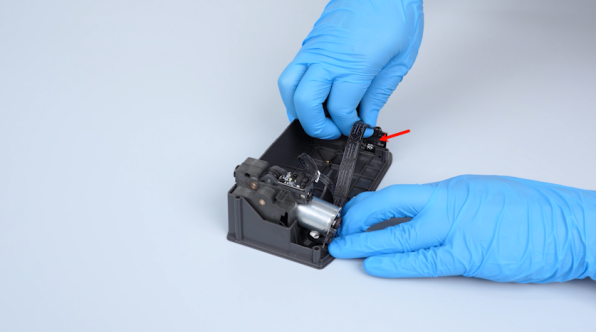
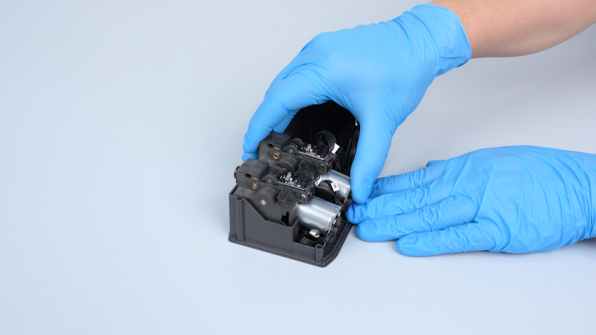
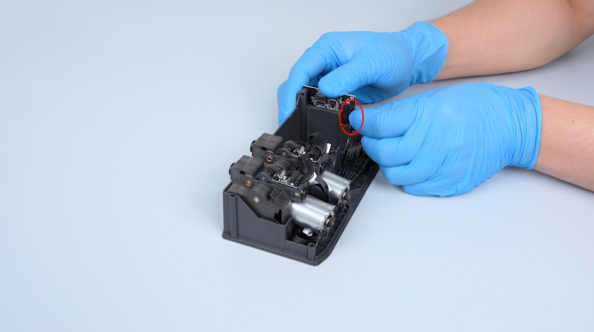
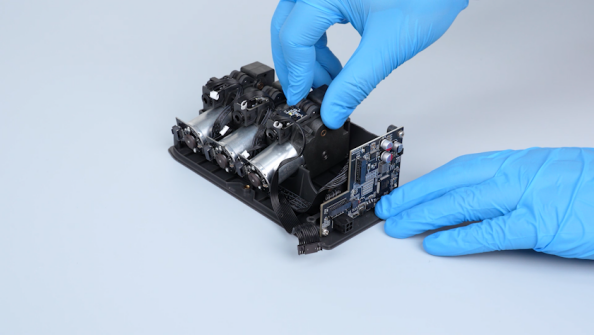
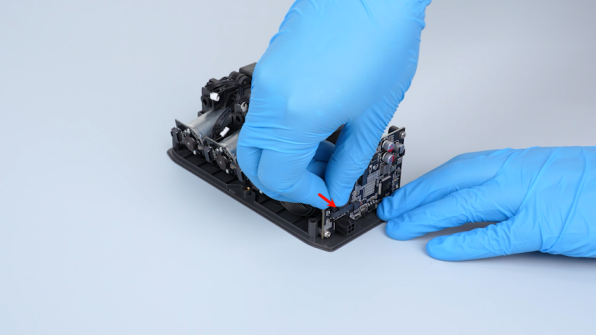
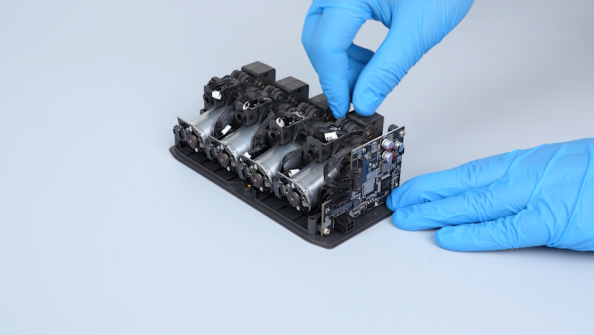
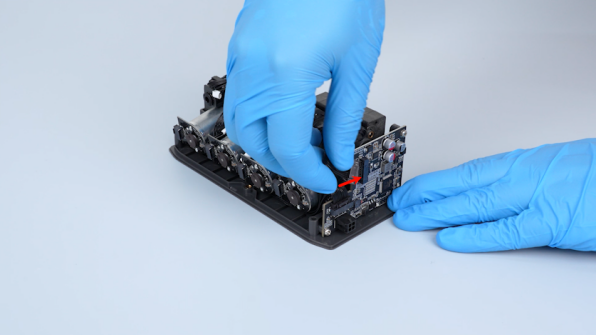
Prepare the new feeder motors. Plug the feeder motor cables into the corresponding positions in the order of 1, 2, 3, 4. Install the feeder motors in place.
-
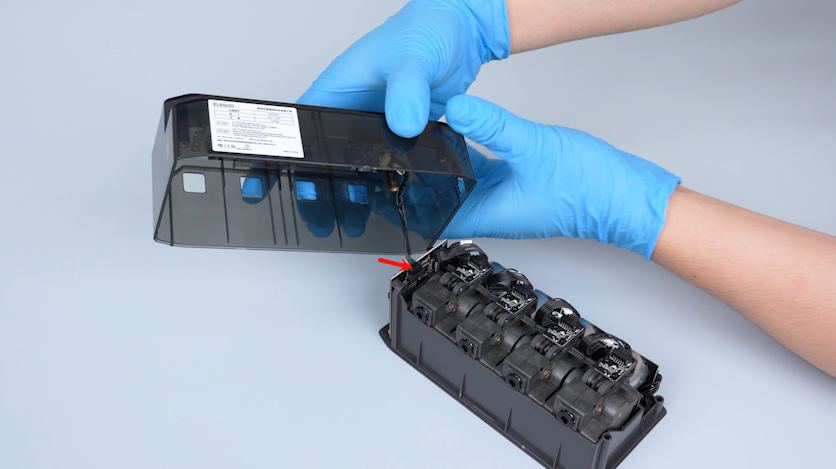
Plug in the connection wire of the RFID antenna board.
-
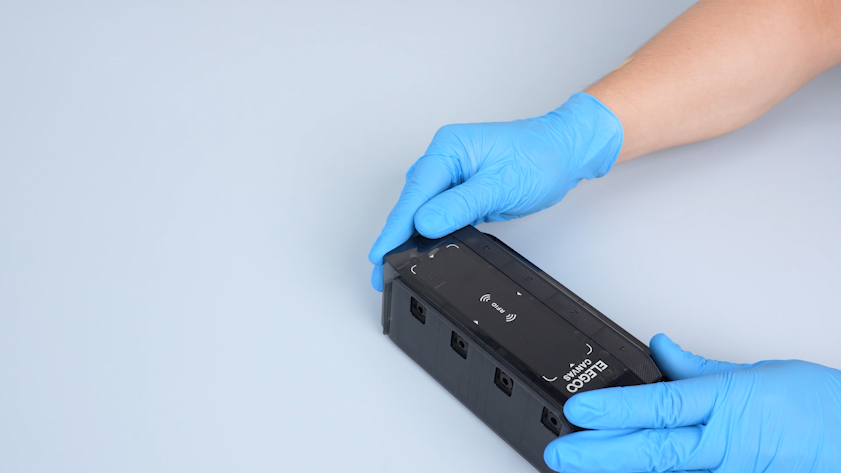
Install the housing of the CANVAS.
-
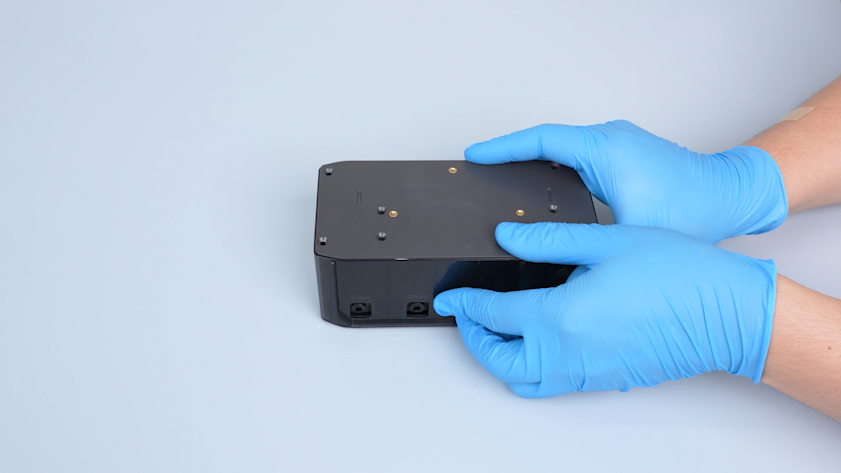
Turn the CANVAS over.
-
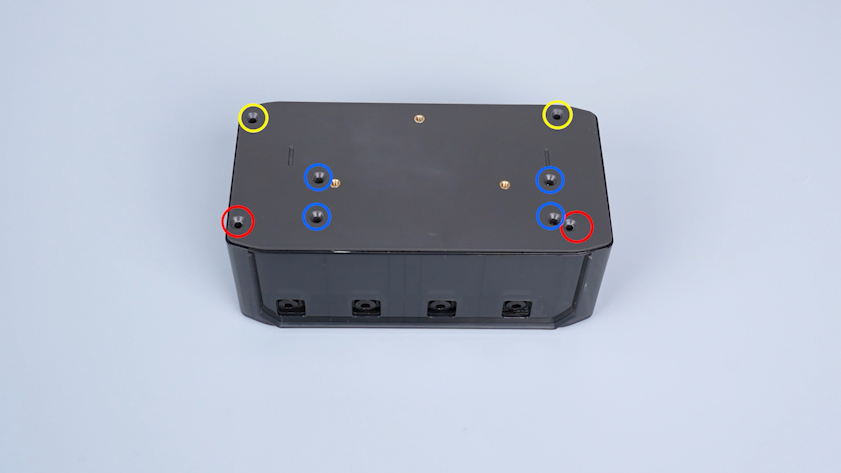
Tighten the eight screws securing the housing of the CANVAS.
Note: Screws labeled by the red circle are M3 x 45; screws labeled by the yellow circle are M3 x 18; screws labeled by the blue circle are M3 x 8.
-
Put the CANVAS in the installation position and tighten the three screws
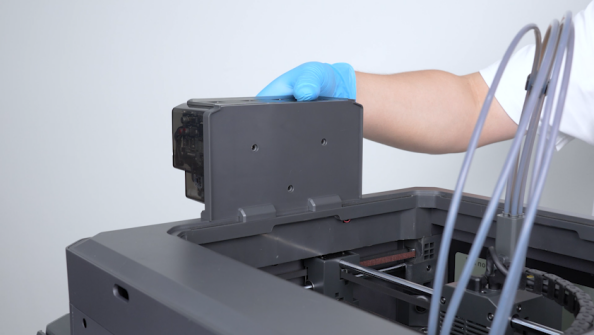
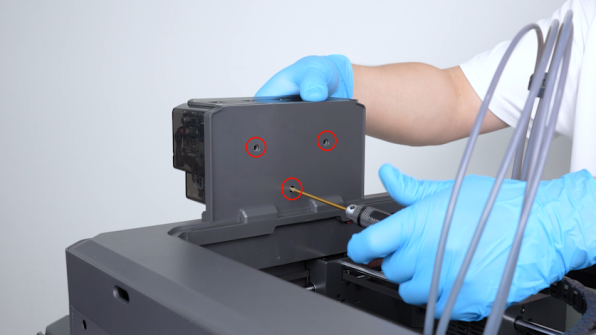
-
Plug in the PTFE tubes.
Note: It is unnecessary to distinguish the numbers of PTFE tubes.
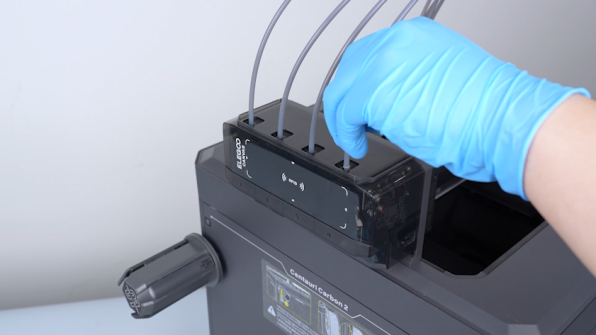
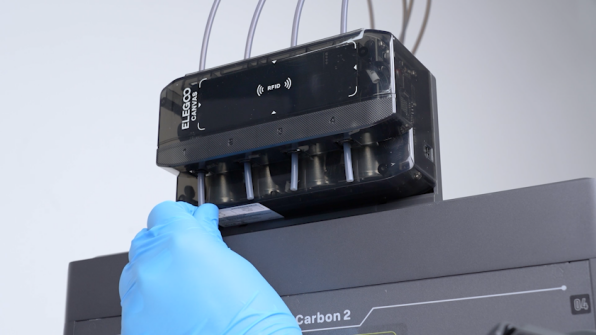
-
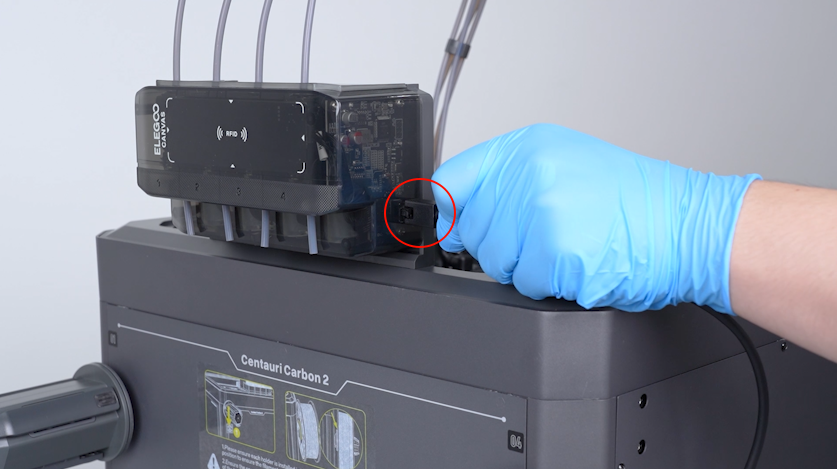
Plug in the communication cable of CANVAS.
¶ Verification
-
Plug in the power supply cable. Turn the power switch ON (symbol "|").
-
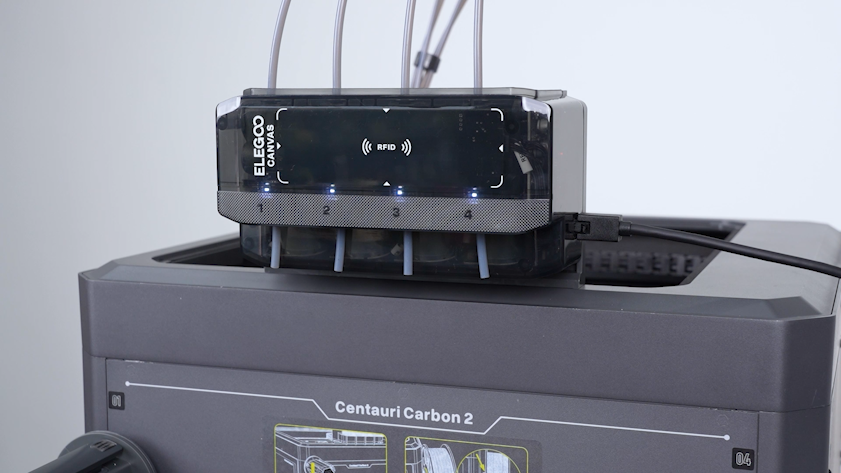
Check if the indicators on the feeder motors can function normally.
Note: The indicators will light up in order after entering the menu interface on the touch screen.
-
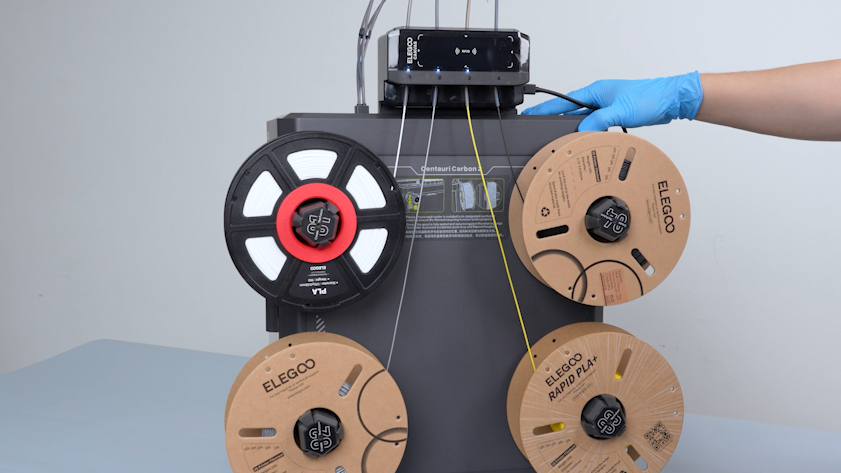
Load the filaments.
-
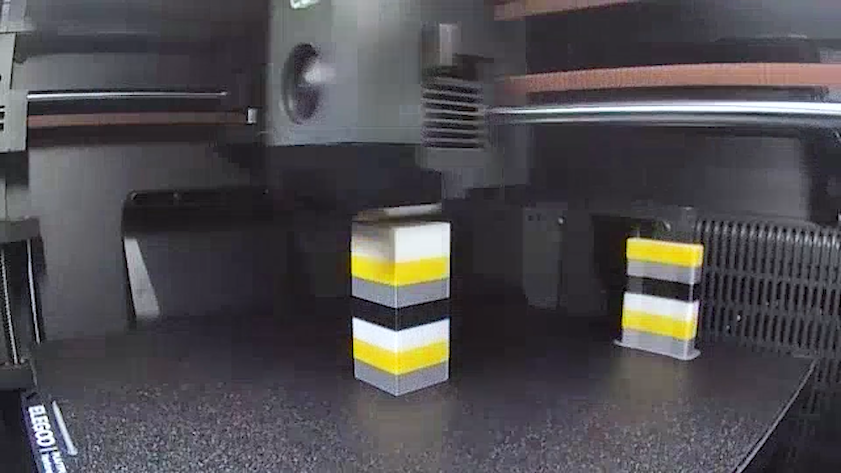
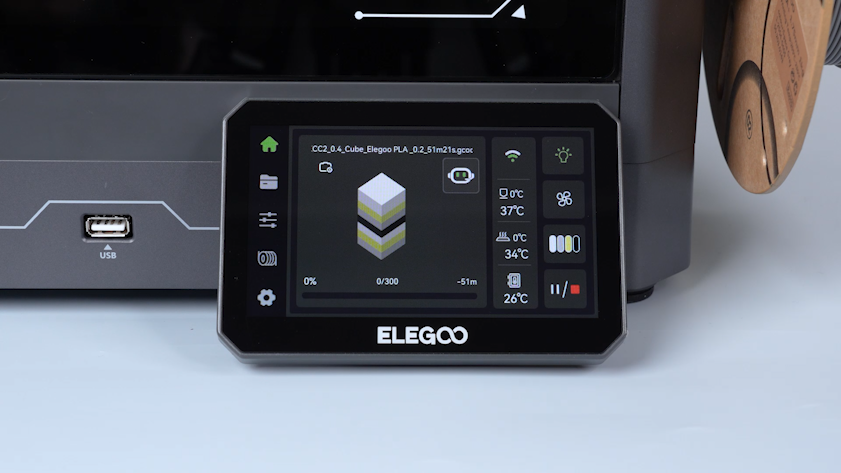
Print a small multi-color model for testing.
-
After the printing completes successfully, the printer is ready for use.